







As an Amazon Associate, Early Bird Wins earns from qualifying purchases. We may also earn from other affiliate links on this page at no extra cost to you.
Last updated: Oct 27, 2026
Quick answer
- Big 4K TVs are cheap partly because TV platforms earn money after the sale, from home-screen ads and from viewing data that automatic content recognition (ACR) collects. The money isn’t all in the hardware.
- Texas sued Sony, Samsung, LG, Hisense and TCL over ACR in December 2025. Samsung (Feb 26, 2026) and LG (May 11, 2026) agreed to consent requirements. The Sony, Hisense and TCL cases had no reported final outcome in our checks.
- You can switch ACR off on every major platform in a few minutes. The setting has a different name on each brand, and we list them below.
- For the most privacy, turn ACR off, keep the TV offline, and stream through an external box such as an Apple TV 4K (the new 4th-generation model is on pre-order and ships Nov 13, 2026, per Apple).
- Black Friday 2026 is Friday, Nov 27, and Cyber Monday is Monday, Nov 30. As of Oct 27, we have not seen official Black Friday event dates from Amazon, Best Buy or Walmart.
Why big TVs are so cheap before Black Friday 2026
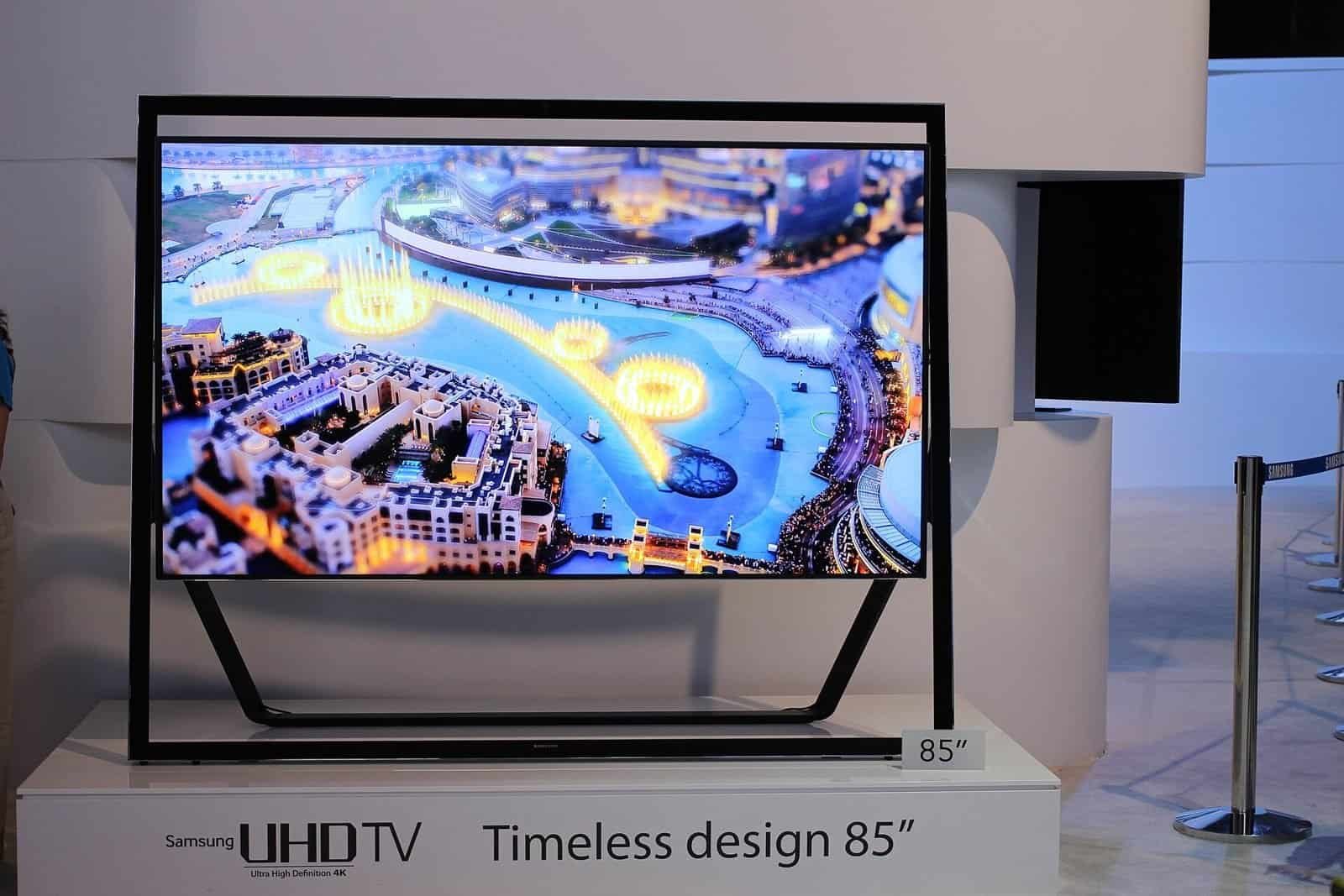
On Oct 26, 2026, posts on X described shoppers finding 70-inch 4K TVs for around $300 at big chains. Those are anecdotal social posts, not confirmed prices, so check the current price yourself. The question in the replies is still fair: how can a screen that size cost so little?

Part of the answer is that many TV companies earn money after you buy. The clearest evidence comes from public filings. Roku’s fiscal 2025 Form 10-K shows its Platform segment (mainly ads and streaming distribution) made up about 87% of net revenue. Its Devices segment posted a gross loss of $82.0 million. Vizio’s FY2023 10-K reported $364.9 million of Platform+ gross profit and a small gross loss on devices. In other words, for those two companies, the ads and data businesses mattered more to profit than the TVs did.
That much is confirmed. It’s a reasonable inference, though not proven for any single TV, that platform income lets brands price hardware aggressively. Older model-year stock and holiday competition also push prices down. A cheap TV isn’t automatically a “spy TV”, but check its settings early.
What ACR actually does (and what the Texas lawsuits say)
Automatic content recognition takes small “fingerprints” of what is on screen and matches them against a database. On many models this includes video coming in over HDMI, from a cable box, game console or streaming stick. The matches feed ad targeting and ad measurement, which is how a TV can learn you watched a certain show or ad even when you didn’t open the TV’s own app. Roku’s own Roku TV User Guide says its Smart TV experience uses ACR to collect information about what you watch on live TV and on devices connected to the HDMI or AV inputs.
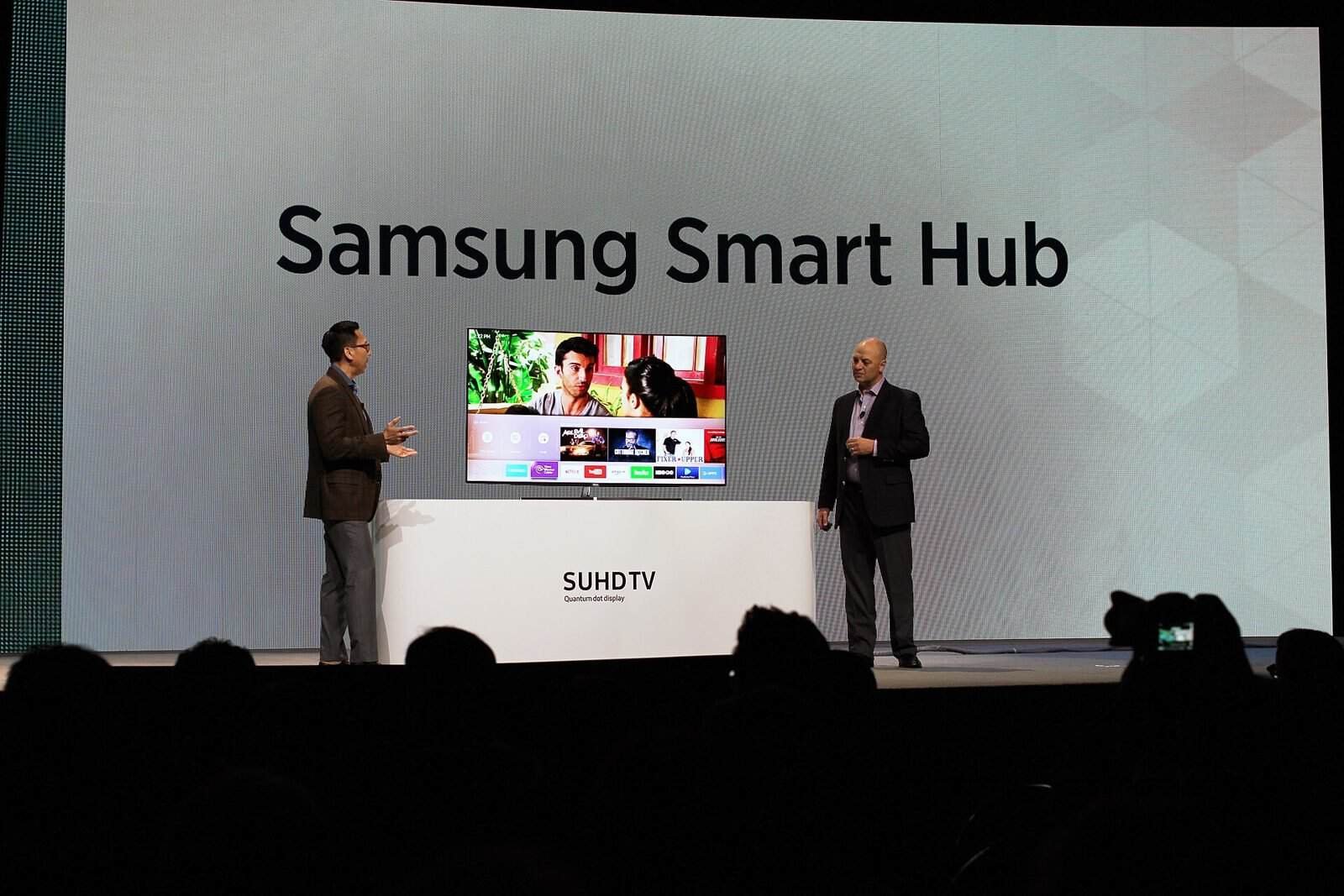
This isn’t new. In 2017 Vizio agreed to pay $2.2 million to the FTC and the New Jersey Attorney General to settle charges that it collected viewing data from about 11 million TVs without consumers’ knowledge or consent. In December 2025, Texas Attorney General Ken Paxton sued five big TV makers under the state’s Deceptive Trade Practices Act. Here is where those cases stood in our checks:
| Company | Texas action | Date | Status (as of Oct 27, 2026) |
|---|---|---|---|
| Samsung | Sued over ACR; later reached an agreement | Agreement Feb 26, 2026 | Settled: no ACR viewing data from Texans without express consent; clear disclosures and consent screens on TVs |
| LG | Sued over ACR; Agreed Final Judgment (Bell County) | May 11, 2026 | Settled: informed consent, pop-up disclosure, simple opt-out, no viewing-data transfers to the PRC, 5-year term, no admission of wrongdoing |
| Hisense | Sued; temporary restraining order on ACR data about Texans | TRO Dec 17, 2025 | Ongoing (per the AG’s May 11, 2026 release) |
| TCL | Sued over ACR | December 2025 | Ongoing (per the AG’s May 11, 2026 release) |
| Sony | Sued over ACR | Filed Dec 15, 2025 | Pending; no reported ruling as of Oct 12, 2026 |
Sources: Texas AG releases on Hisense, Samsung and LG, plus the Texas Data Law tracker for Sony. The Hisense release alleges its ACR captures the screen “every 500 milliseconds”. That is an allegation, not a court finding. The Samsung and LG terms cover Texas consumers, so don’t assume consent screens will appear in other states.
How to turn off ACR on your TV (brand by brand)
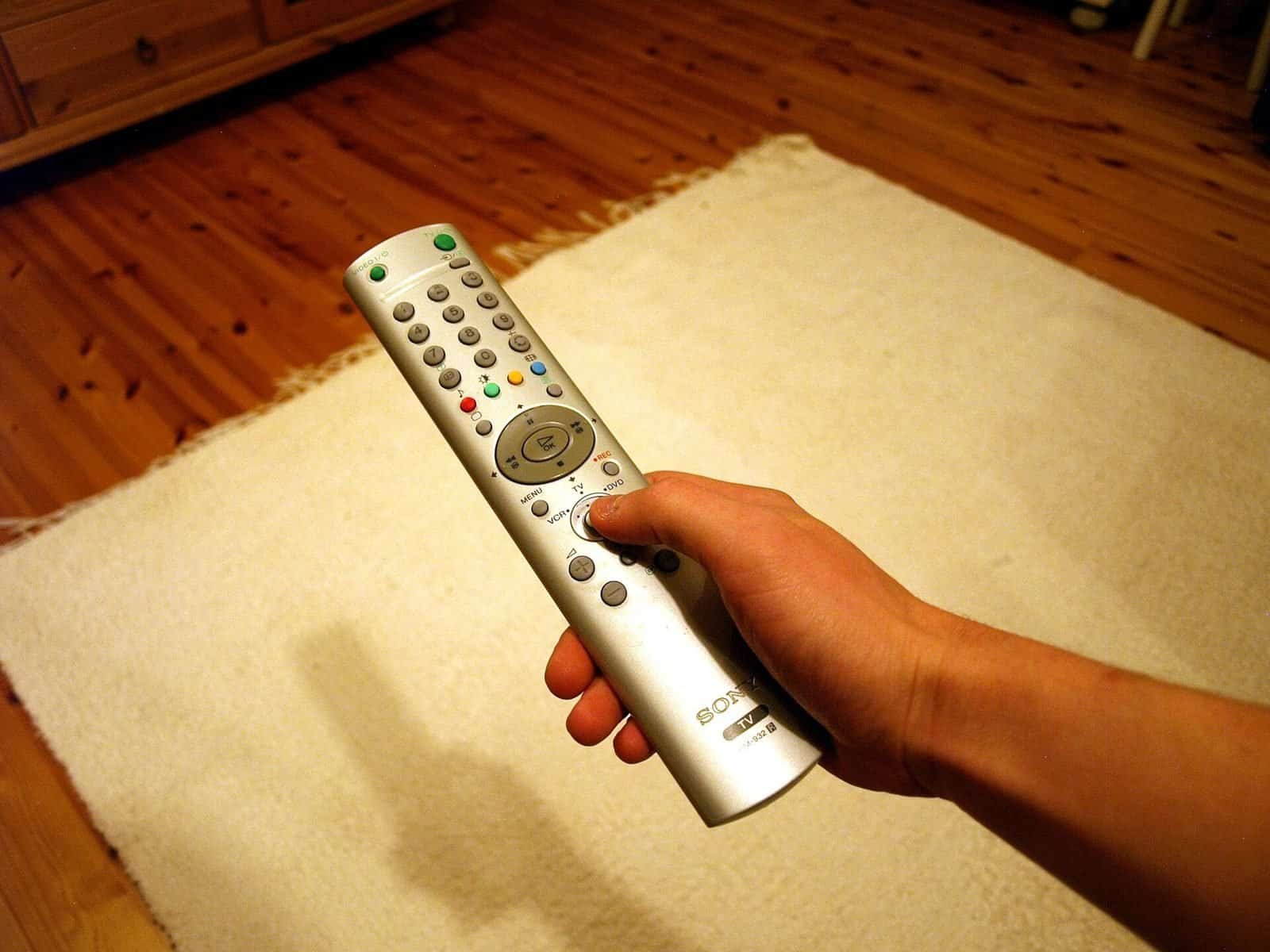
Each brand uses its own name for ACR, and the menus move between software versions. The paths below are for recent models (2023-2025), and names vary by model. If yours don’t match, look under Privacy, Terms or Additional Settings for “viewing data” or “viewing information”.
| Brand / platform | Where to look | What to switch off | Source |
|---|---|---|---|
| Samsung (Tizen) | Settings > Support > Terms & Privacy > Privacy Choices (or All Settings > General & Privacy) | Viewing Information Services; also Interest-Based Advertising | Malwarebytes, Mar 2, 2026 |
| LG (webOS) | Settings > All Settings > General > System > Additional Settings | Live Plus; also limit ad tracking | Malwarebytes, Mar 2, 2026 |
| Sony (Google TV) | Settings > All Settings > Privacy (or Device Preferences > Usage & Diagnostics) | Samba Interactive TV; usage and diagnostics reporting | Malwarebytes, Mar 2, 2026 |
| TCL / Hisense (Google TV) | Settings > System > Privacy | Viewing Information Services (some sets: Smart TV Experience) | Reader’s Digest via Yahoo Tech, Jul 4, 2026 |
| Roku TV (incl. TCL/Hisense Roku models) | Settings > Privacy > Smart TV experience | Use info from TV inputs | Roku TV User Guide 15.0 (US) |
| Vizio | Menu > System > Reset & Admin | Viewing Data | Malwarebytes, Mar 2, 2026 |
| Amazon Fire TV | Settings > Preferences > Privacy Settings | Device Usage Data, Collect App Usage Data, Interest-based Ads, over-the-air viewing data | Amazon Privacy Settings FAQ (accessed Oct 27, 2026) |
Samsung (Tizen)
Press Home, open Settings, and find Privacy Choices. Depending on the year, it’s under Support > Terms & Privacy or under General & Privacy. Turn off Viewing Information Services, which is Samsung’s ACR, and also Interest-Based Advertising. You will still see ads, just not ones based on your viewing. Path per Malwarebytes (Mar 2, 2026).
LG (webOS)
Go to Settings > All Settings > General > System > Additional Settings and turn off Live Plus, LG’s ACR feature. While you’re there, turn on Limit Ad Tracking or the closest option. Older webOS versions put Live Plus directly under General. Source: Malwarebytes (Mar 2, 2026).
Sony (Google TV)
On newer Bravia models, look in Settings > All Settings > Privacy for Samba Interactive TV and turn it off. On models with Usage & Diagnostics under Device Preferences, turn that reporting off too. Also turn off ad personalization in the Google ad settings. Source: Malwarebytes (Mar 2, 2026).
TCL and Hisense (Google TV)
Press Home, go to Settings > System > Privacy, and turn off Viewing Information Services. Some sets call it Smart TV Experience. Source: Reader’s Digest, republished on Yahoo Tech (Jul 4, 2026). TCL and Hisense also sell Roku TV and Fire TV models, so check which platform your set runs. Some Hisense sets use VIDAA, and we could not verify a reliable VIDAA menu path, so we don’t list one.
Roku TV
From the home screen, go to Settings > Privacy > Smart TV experience and uncheck Use info from TV inputs. Roku’s guide notes that data collected before you switch it off isn’t deleted. This setting only exists on TVs with Roku built in, not on Roku streaming sticks. Source: Roku TV User Guide 15.0 (US).
Vizio
Press Menu, go to System > Reset & Admin, and turn off Viewing Data. Source: Malwarebytes (Mar 2, 2026).
Amazon Fire TV
Go to Settings > Preferences > Privacy Settings. Turn off Device Usage Data, Collect App Usage Data and Interest-based Ads, and opt out of over-the-air viewing data if you use an antenna. Amazon’s privacy settings FAQ lists these controls but does not call any of them ACR. Some third-party guides describe a separate ACR toggle on certain Fire TV models, so if you see one, turn it off too.
The privacy-first TV setup
Turning off ACR is the biggest single step, but it doesn’t stop all data collection. A connected TV can still report diagnostics, app usage and other data to its maker. For the most privacy, combine five habits:
- Decline viewing-data prompts during setup. Skip or decline anything about viewing information, interest-based ads or “enhanced” experiences.
- Turn ACR off anyway. After setup, check the setting from the table above.
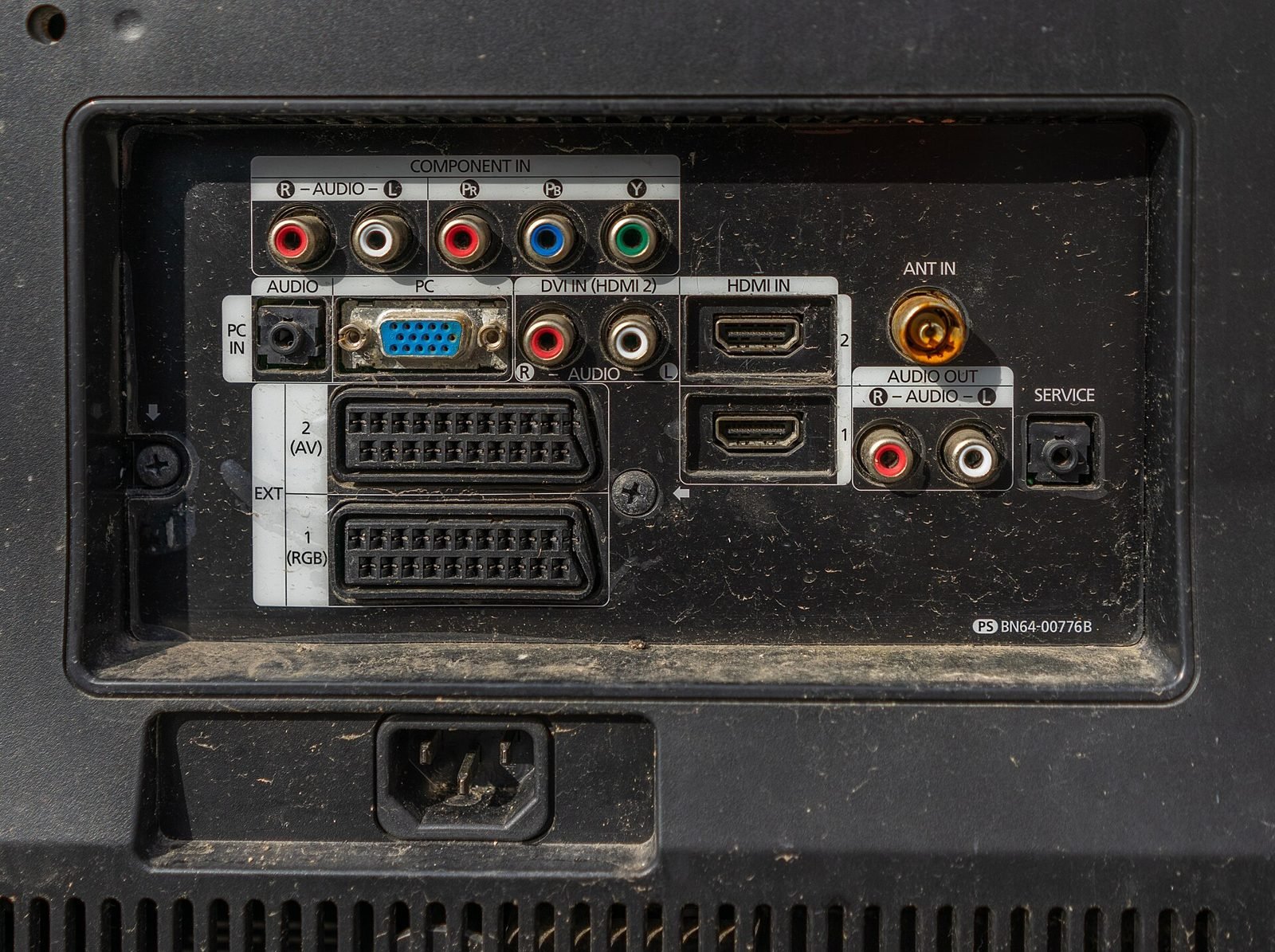
- Keep the TV offline. A TV that never connects to Wi-Fi or Ethernet can’t send ACR data, and it still works as a display for HDMI devices.
- Use an external streamer for apps. Run Netflix, YouTube and the rest on a separate box. The box and the apps still collect their own data.
- Recheck after updates. If the TV is online, check privacy settings again after major updates or a factory reset.
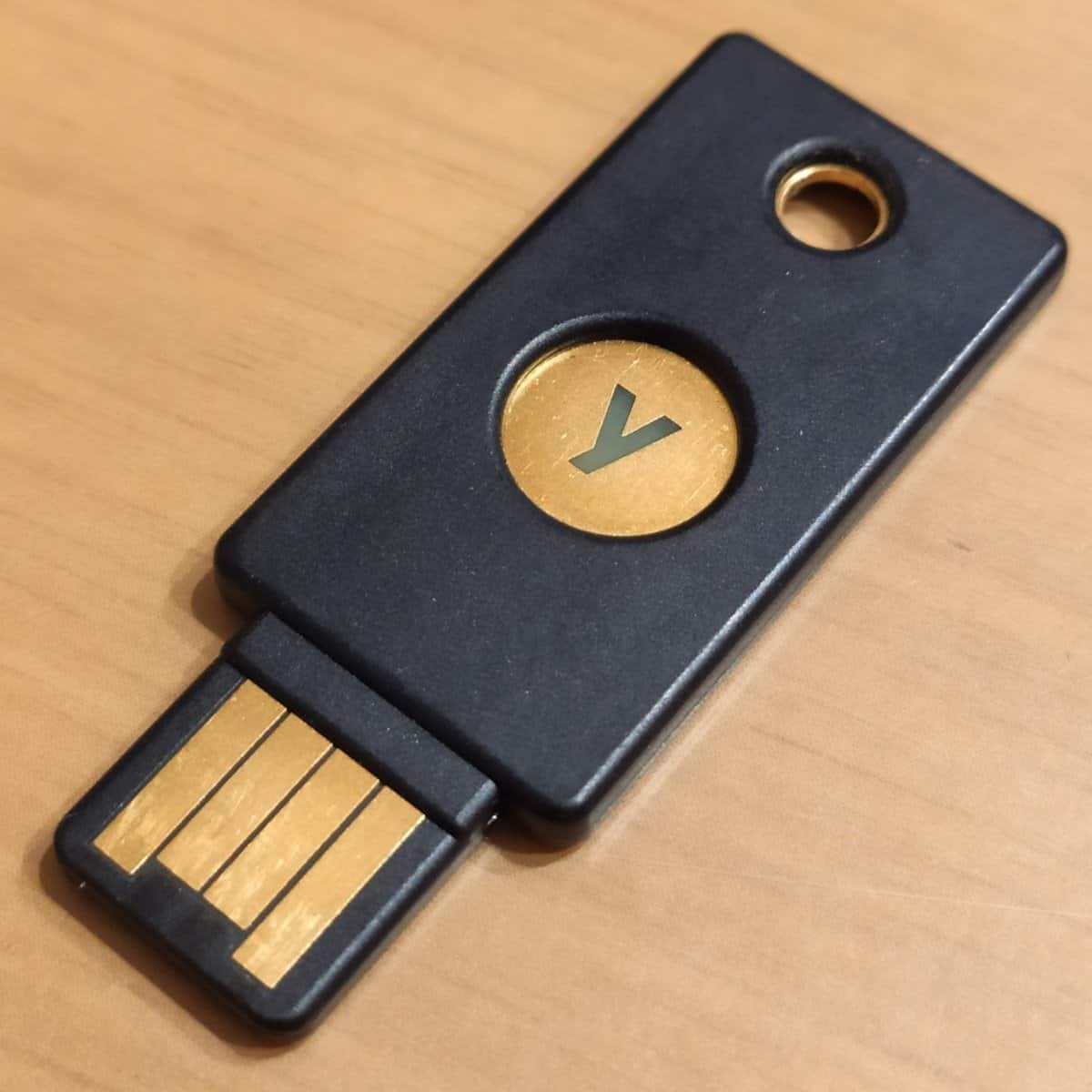
Keeping a TV offline has a downside: you won’t get firmware or security updates. If you need to update, connect the TV, run the update, turn ACR off again and disconnect. While you’re tidying up your home tech, protect your streaming and shopping accounts too. See our best YubiKey guide.
Black Friday TV deals 2026: what to buy and what to skip
The calendar dates are fixed: Black Friday is Friday, Nov 27, 2026, and Cyber Monday is Monday, Nov 30, 2026. As of Oct 27, we have not seen official Black Friday event dates from Amazon, Best Buy or Walmart. Ignore any article quoting exact start dates or shipping cutoffs unless it links to a retailer announcement. We’ll update our live Black Friday and Cyber Monday tech deals tracker as dates are confirmed. If you’re deciding whether to buy now or wait, our early Black Friday 2026 guide covers the trade-offs.
General advice that holds every year:
- Size: Measure your wall and seating distance first. A 75-inch TV in a small room isn’t a deal.
- Panel type: OLED has the best contrast for dark rooms. Mini LED and QLED sets get brighter for bright rooms. Entry-level 4K sets usually have weaker HDR.
- Model year: 2025 models are often the best value as stores clear stock. Check the exact model number, since doorbuster versions sometimes have fewer features.
- Return windows: Read the holiday return policy and keep the box.
- Price history: A “was” price doesn’t prove a deal. Compare against recent prices.
Skip third-party “bundles” with vague warranties, and skip any TV whose model number you can’t find on the maker’s site.
What to buy: our shortlist
Two external streamers handle apps, and three TVs cover different budgets. Prices change daily, so check the current price on each card, and run the ACR steps on day one.
| Pick | Best for | Privacy note |
|---|---|---|
| Apple TV 4K (4th generation, ships Nov 13, 2026) | Privacy-first streaming on any TV | A streaming box, not a TV, so no TV-input ACR; apps still collect their own data |
| NVIDIA SHIELD TV Pro | Power users, Plex and local media | Google account and Android TV data controls apply; older hardware |
| LG 65-inch C5 OLED (2025) | Dark-room picture quality | Turn off Live Plus; LG agreed to an opt-out in Texas |
| Samsung 65-inch Q7F QLED (2025) | Mainstream bright-room value | Turn off Viewing Information Services; Samsung agreed to consent screens in Texas |
| TCL 75-inch QM6K Mini LED Google TV (2025) | Most screen for the money | Texas case against TCL ongoing; turn ACR off or keep offline |
The Apple TV 4K is our first choice for the “dumb TV plus smart box” setup: it plugs into any TV you keep offline. The 4th-generation model is on pre-order now: Apple lists it as available starting Nov 13, 2026, and Amazon is taking pre-orders too. If you already own a 3rd-generation Apple TV 4K, it does the same privacy job, so there is no need to upgrade for this reason alone.
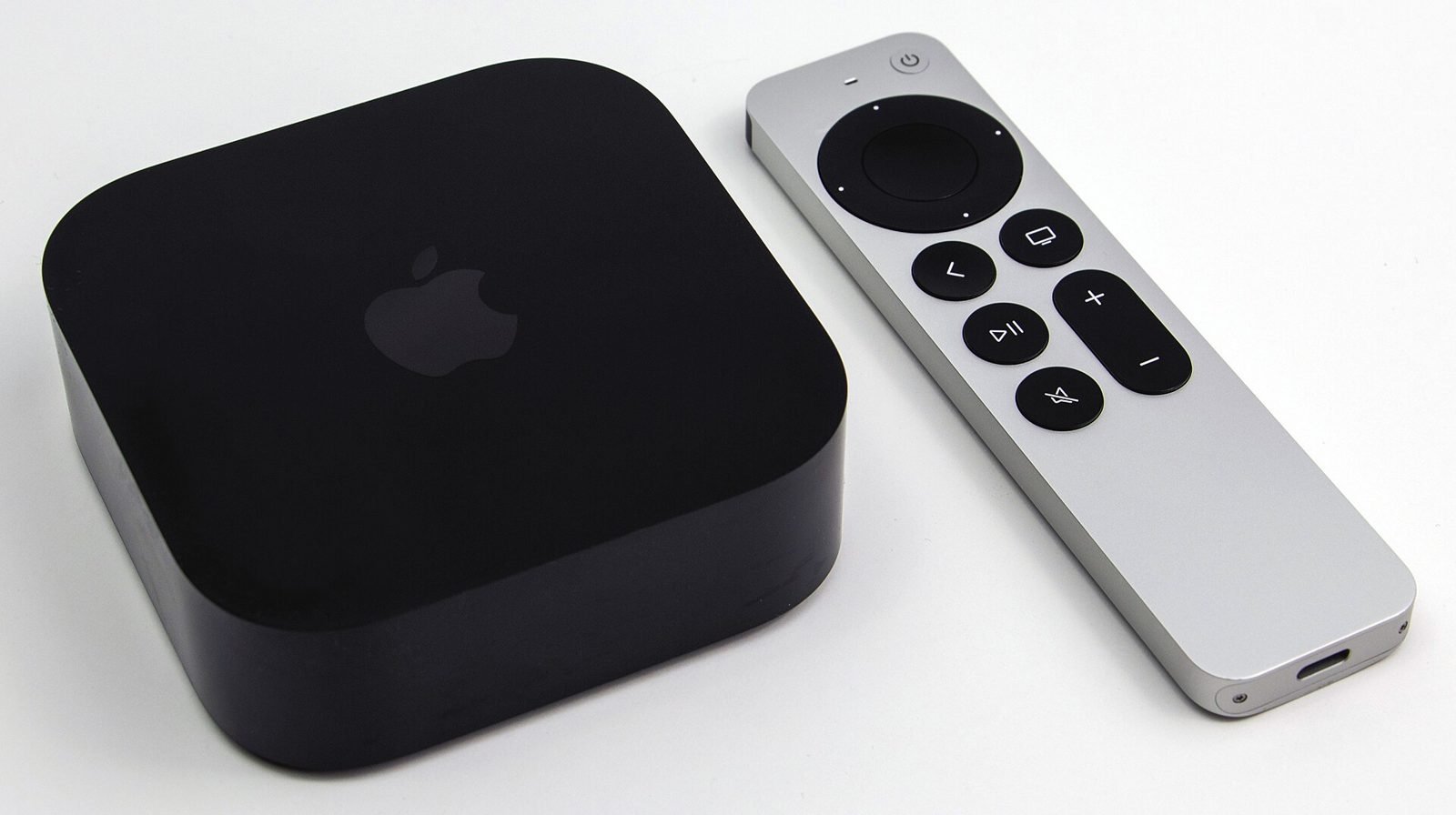
Apple TV 4K (item type; earlier generation shown). Photo: Dillan Payne, CC BY-SA 4.0, via Wikimedia Commons (resized)
Apple TV 4K (4th generation)
Privacy-friendlier streamer that keeps apps off your TV; pre-order, ships Nov 13, 2026
Check price on AmazonThe NVIDIA SHIELD TV Pro is a long-running Android TV box popular for Plex and local media. It’s older hardware, but it’s still a strong alternative if you don’t use Apple devices.
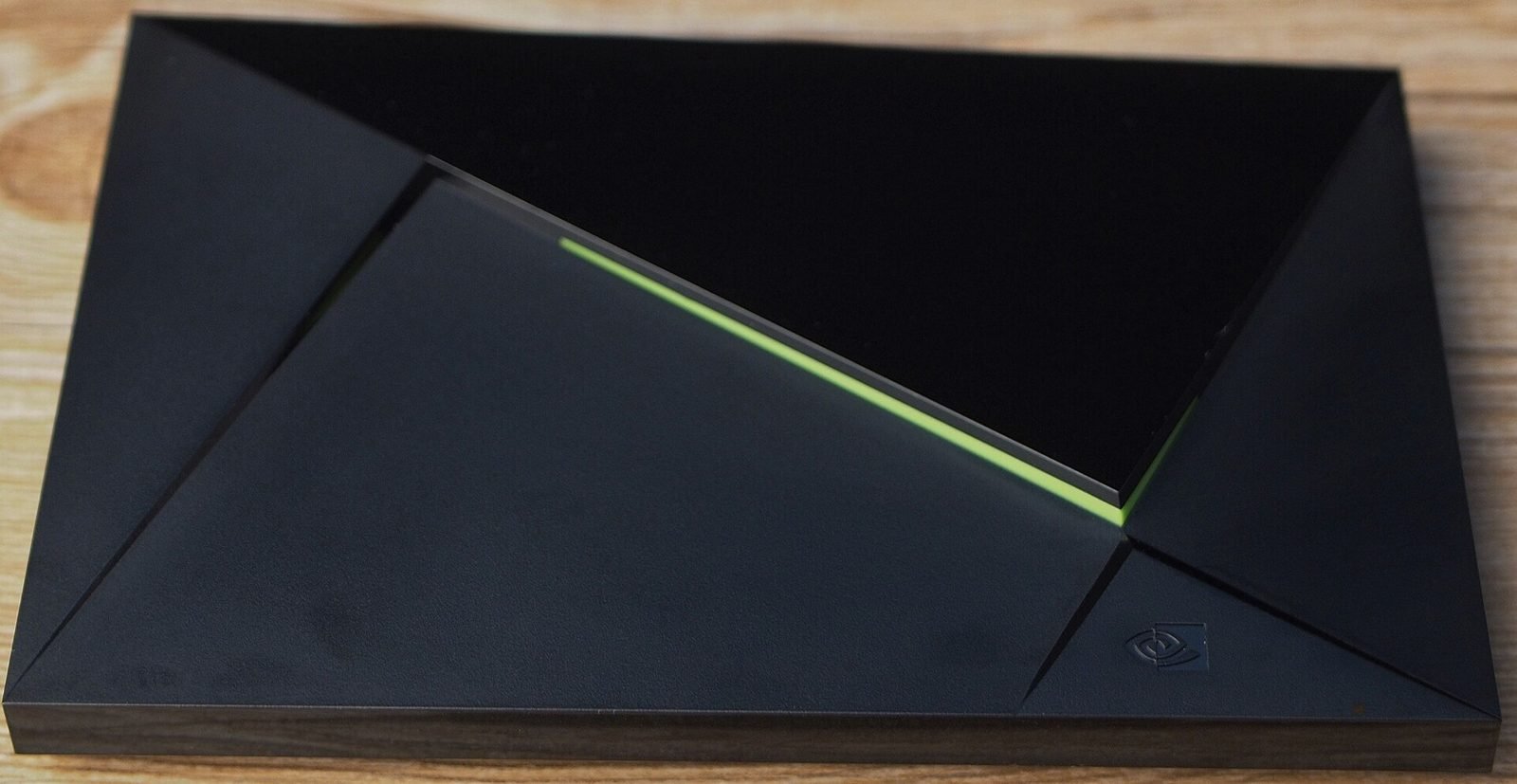
NVIDIA SHIELD TV (item type). Photo: 之乎, CC BY-SA 4.0, via Wikimedia Commons (resized)
NVIDIA SHIELD Android TV Pro
Strong Plex and local-media box; older hardware, uses Google account data controls
Check price on AmazonThe LG C5 is the 2025 version of LG’s popular OLED line and a typical clearance candidate this season. LG’s Texas settlement requires a clear opt-out, and you should still switch off Live Plus yourself.

LG OLED TV (item type; older model shown). Photo: LG Electronics, CC BY 2.0, via Wikimedia Commons (resized)
LG 65-Inch OLED evo C5 Series (OLED65C5PUA, 2025)
Best picture for dark rooms; turn off Live Plus in Additional Settings
Check price on AmazonSamsung’s 2025 Q7F is a mainstream 65-inch QLED that is easy to find on sale. Samsung’s Texas agreement requires consent screens for ACR there. Elsewhere, check Viewing Information Services yourself.

Samsung QLED TV (item type; older model shown). Photo: Bretwa, CC BY-SA 4.0, via Wikimedia Commons (resized)
Samsung 65-Inch Class QLED Q7F (2025, 65Q7F)
Mainstream 65-inch QLED; switch off Viewing Information Services after setup
Check price on AmazonIf you want the biggest screen for the money, TCL’s 75-inch QM6K Mini LED runs Google TV. Texas’s case against TCL was ongoing in our checks. Buy it with ACR off from day one, or keep it offline and use a streamer.
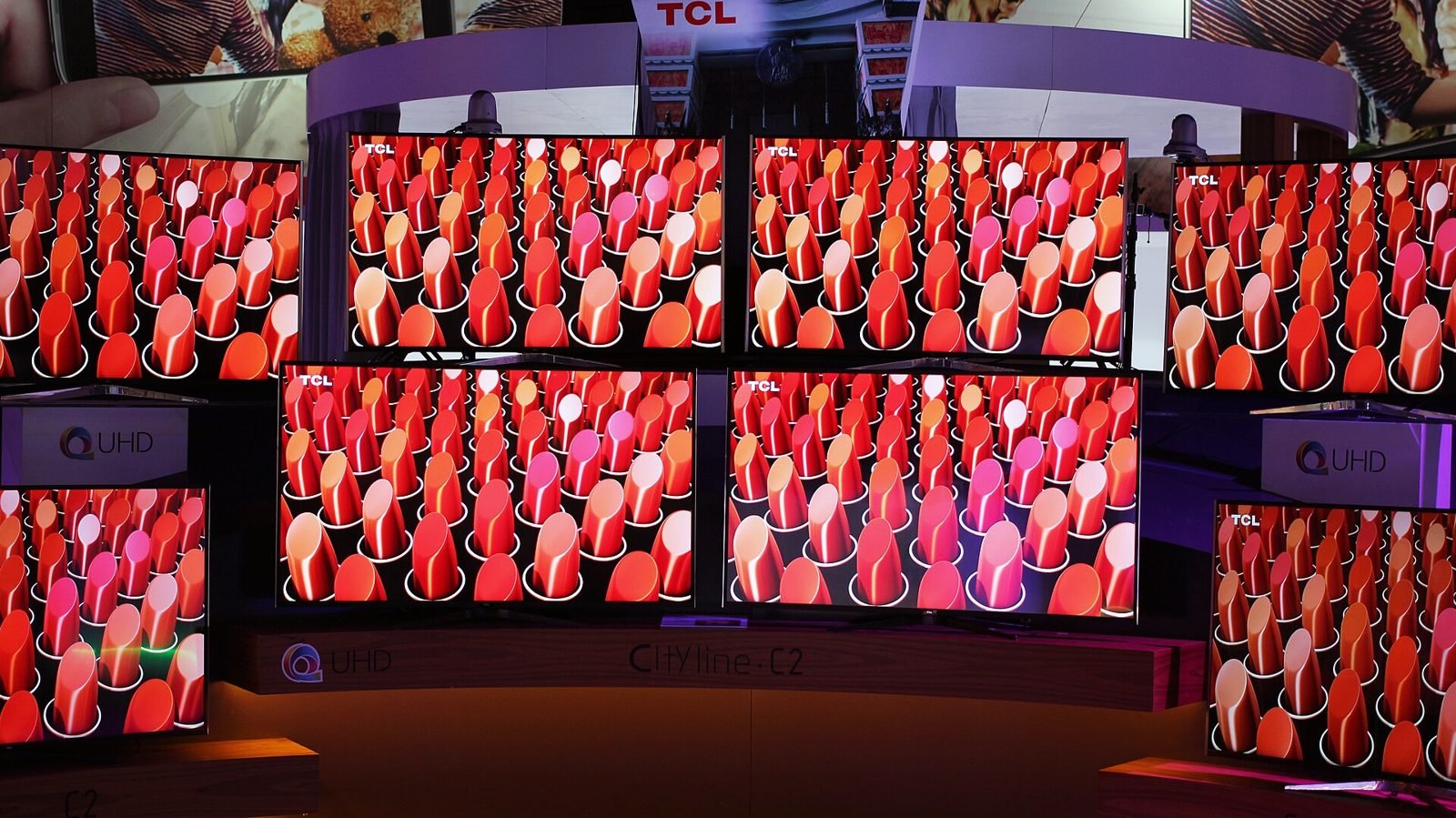
TCL 4K TVs (item type; older models shown). Photo: Maurizio Pesce from Milan, Italia, CC BY 2.0, via Wikimedia Commons (resized)
TCL 75-Inch QM6K QD-Mini LED Google TV (75QM6K, 2025)
Big Mini LED screen for less; Texas case ongoing, so turn ACR off or keep offline
Check price on AmazonFAQ
Do all smart TVs have ACR?
Most major smart TV platforms, including Samsung, LG, Sony, Vizio and Roku TV, have some form of ACR or viewing-data collection under different names. A TV that is never connected to the internet can’t send ACR data.
Does turning off ACR stop ads?
No. You’ll still see ads on the home screen and in free apps. Turning off ACR and interest-based ads means those ads are no longer targeted using what you watch.
Is it safe to keep a TV offline?
Yes, for everyday use. It works as a display for streamers, consoles and cable boxes. The trade-off is that you won’t get firmware updates. If you connect it now and then to update, turn ACR off again before you disconnect.
Do Roku and Fire TV sticks track too?
Sticks collect usage and ad data through their platforms. Roku’s “Use info from TV inputs” ACR setting applies to Roku TVs, which can see other HDMI inputs. Check the privacy menu on any stick.
Will Samsung and LG ask me for consent now?
For Texas consumers, yes on paper. Samsung’s Feb 26, 2026 agreement requires clear disclosures and consent screens. LG’s May 11, 2026 judgment requires informed consent, a pop-up disclosure and a simple opt-out. Outside Texas it depends on each company’s rollout, so check your settings.
Is a cheap TV worth it?
Often, yes, if you check the model number, panel type and return window. Budget sets usually have less brightness and weaker HDR. Turn ACR off or keep the TV offline.
When is Black Friday 2026?
Black Friday is Friday, Nov 27, 2026, and Cyber Monday is Monday, Nov 30, 2026. As of Oct 27, we have not seen official retailer event dates from Amazon, Best Buy or Walmart.
Bottom line
Big TVs are cheap this season for ordinary reasons, like older stock and competition. They’re also cheap because platforms earn ongoing money from ads and viewing data, a model Roku’s and Vizio’s own filings show clearly. Texas has pushed Samsung and LG into consent and opt-out terms, and its cases against Sony, Hisense and TCL were still open in our checks.
You don’t have to skip a good deal to protect your privacy. Buy the TV that fits your room, switch off ACR during setup, and keep the TV offline if you can. Use an external streamer for apps. Then follow our Black Friday tracker for confirmed deals as retailers announce them.