









Disclosure: Early Bird Wins may earn a commission when you buy through links on this page, at no extra cost to you. We don’t accept payment for rankings. As an Amazon Associate, Early Bird Wins earns from qualifying purchases.
Quick answer: If you want the most coins, slick mobile apps, and Bluetooth or touchscreen options, buy a Ledger. The Nano S Plus is the budget pick and the Flex is the best all-rounder. If you care most about open-source code you can check for yourself, and about never sending your seed anywhere, buy a Trezor. The Safe 3 is the best value hardware wallet you can buy right now, and the Safe 5 is the sweet spot. Both brands are reputable. Whichever you choose, buy it from the official store or an authorized reseller, never from a random third-party seller.
Ledger and Trezor have both changed their lineups a lot since 2024. Ledger added the Nano Gen5 and renamed its Ledger Live app to Ledger Wallet. Trezor launched the Bluetooth-equipped Safe 7 and stopped selling the Model One and Model T. Below is what each current device actually offers, based on the manufacturers’ own spec sheets. For a wider look beyond these two brands, see our guide to the best hardware wallet 2026.
Ledger vs Trezor at a Glance (2026 Lineups)
| Model | Screen | Connectivity | Secure element | Battery | Price |
|---|---|---|---|---|---|
| Ledger Nano S Plus | 1.1″ mono OLED, 128×64, buttons | USB-C | CC EAL6+ | None (USB-powered) | $69 on Ledger store at time of writing; check current price |
| Ledger Nano X | 1.1″ mono OLED, 128×64, buttons | USB-C, Bluetooth 5.2 | ST33J2M0, CC EAL5+ | Up to ~5 hours | Check current price |
| Ledger Nano Gen5 | 2.8″ mono E Ink touch, 300×400 | USB-C, Bluetooth 5.2, NFC | ST33K1M5, CC EAL6+ | Up to ~10 hours | $179 list price (Ledger store); check current price |
| Ledger Flex | 2.8″ E Ink touch, 480×600 | USB-C, Bluetooth, NFC | CC EAL6+ | Up to ~10 hours | $249 list price (Ledger store); check current price |
| Ledger Stax | 3.7″ curved E Ink touch, 400×670 | USB-C, Bluetooth 5.2, NFC, Qi charging | ST33K1M5, CC EAL6+ | Up to ~10 hours | Check current price |
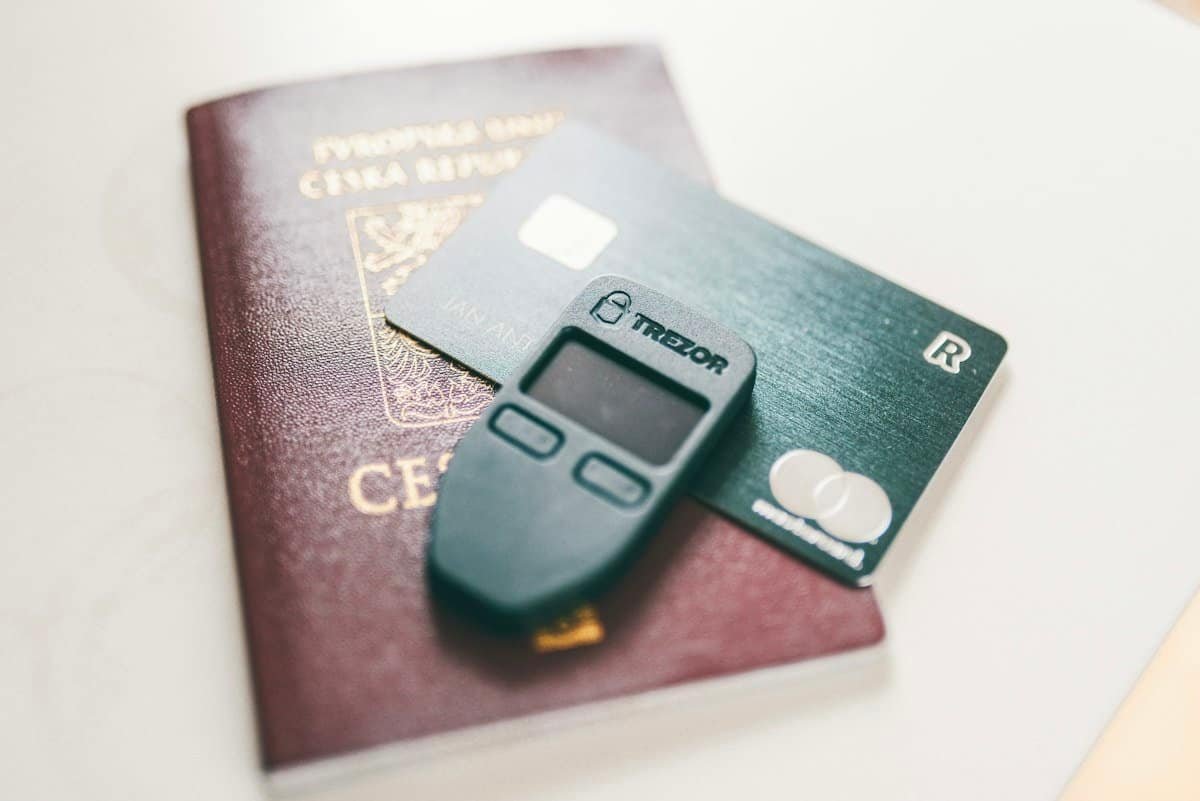
| Trezor Safe 3 | 0.96″ mono OLED, 128×64, buttons | USB-C | EAL6+ (Infineon OPTIGA Trust M) | None | $59 list price (trezor.io); check current price |
| Trezor Safe 5 | 1.54″ color touch, 240×240, haptics | USB-C | EAL6+ (Infineon OPTIGA Trust M) | None | $129 list price (trezor.io); check current price |
| Trezor Safe 7 | 2.5″ color touch, 520×380 | USB-C, Bluetooth 5.0+, Qi2 charging | OPTIGA (EAL6+) + TROPIC01 | LiFePO₄, 330mAh | $249 list price (trezor.io); check current price |
Prices are what the official stores showed in October 2026. They change often, and Ledger in particular runs frequent promotions. Battery figures are the manufacturers’ own estimates.
The Ledger Lineup
Ledger Nano S Plus: the budget workhorse

- All your digital assets in one place. You can manage thousands of crypto including Bitcoin, Ethereum, Solana, Tether and…
- Connectivity: USB-C cable connection only. No Bluetooth.Compatible with the Ledger Wallet crypto app, both desktop (Wind…
- Protect your digital assets with the industry’s best security: keep your private keys offline in your private signer, ba…
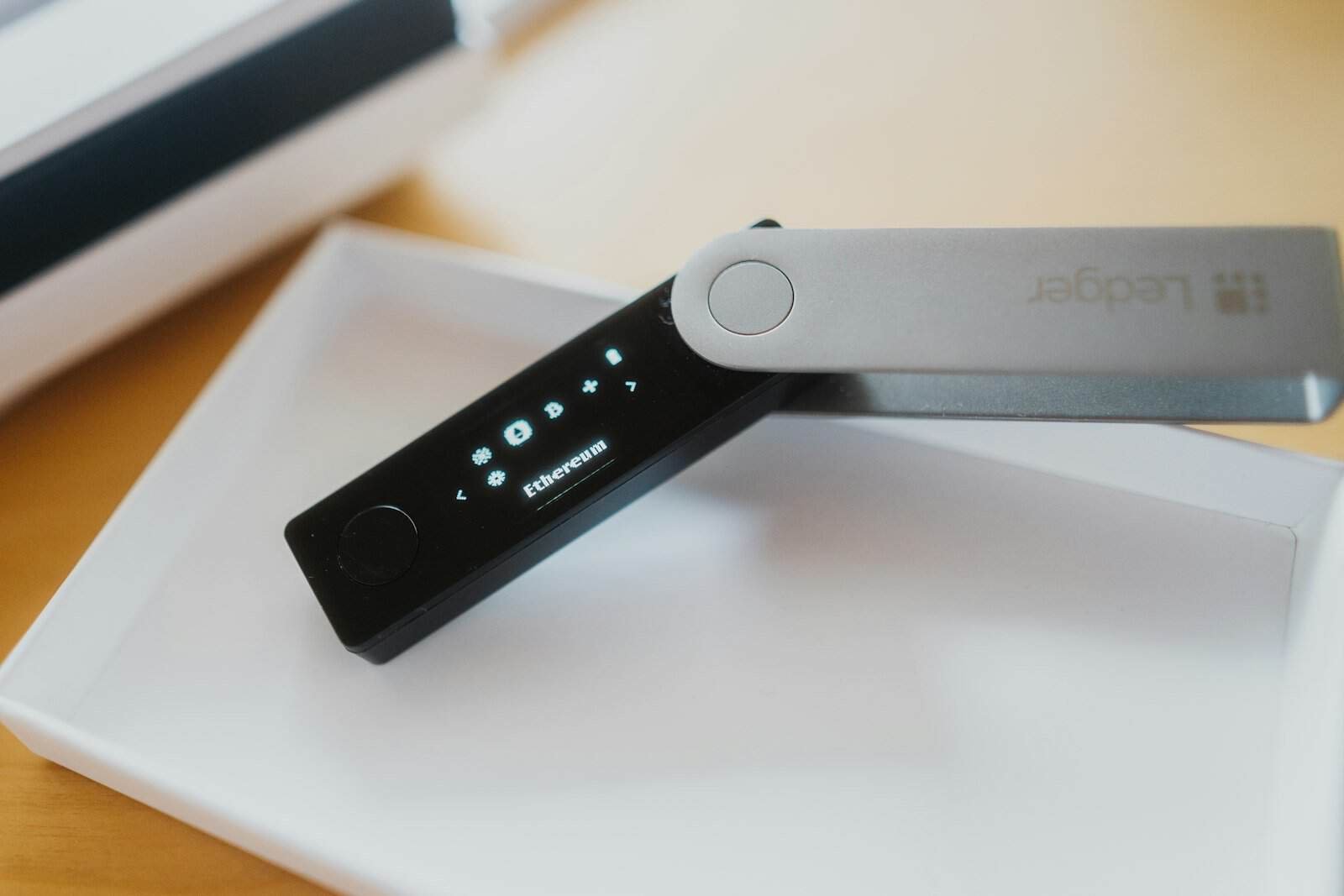
The Nano S Plus is a USB-C stick with two buttons and a small monochrome screen. It has no battery and no Bluetooth, which for cold storage counts as a plus. It uses an EAL6+ certified secure element, and Ledger now sells it as one of its “Classic” devices. If you mostly hold assets and rarely sign transactions, it’s all you need.
Ledger Nano X: Bluetooth, but showing its age

- Effortlessly build your crypto portfolio via the all in one Ledger Wallet app: buy, sell, send, receive, swap, stake and…
- Enjoy Bluetooth connectivity, iOS access, and hours of battery use with this mobile-first, secure backup signer. Freedom…
- Genuine Check: confirm your signer is authentic during setup with the Ledger Wallet app.
The Nano X adds Bluetooth 5.2 and a battery, so it can pair with the Ledger Wallet app on iPhone or Android. The trade-off is that it uses the older ST33J2M0 chip, which is certified to CC EAL5+, one level below the EAL6+ chips in Ledger’s other devices. Its battery is rated at about 5 hours. Unless you find it at a big discount, the Nano Gen5 is the better buy.
Ledger Nano Gen5: the new middle child

- More than just crypto: confirm your device is authentic with Genuine Check, manage all your logins with Ledger Security …
- Industry-defining security: battle-tested by the Donjon’s white hat hackers, protected by the Secure Element, and powere…
- Connect effortlessly with Ledger Wallet: pair your secure Ledger signer with the all in one Ledger Wallet crypto app to …
The Gen5 keeps the Nano name but is a very different device. It has a 2.8″ monochrome E Ink touchscreen (300×400), Bluetooth 5.2, NFC for Ledger’s Recovery Key and Security Key features, and the ST33K1M5 EAL6+ chip. It weighs just 46 g, and the touchscreen makes checking transaction details far easier.
Ledger Flex: the best all-rounder

- Simply & securely take control of your digital assets and identity with the all-in-one Ledger Wallet crypto app and Ledg…
- Digital asset control at your fingertips: manage 15,000+ crypto across multiple chains. Earn rewards. Top up & share wit…
- Connect effortlessly with Ledger Wallet: pair your secure Ledger signer with the all in one Ledger Wallet crypto app to …
The Flex has a 2.8″ E Ink touchscreen at a sharper 480×600 resolution, plus USB-C, Bluetooth, NFC, and an EAL6+ secure element. For most people who want a touchscreen Ledger, it offers the best balance of screen quality, portability, and price.
Ledger Stax: the premium showpiece

- Protect your privacy, identity & digital assets while growing your wealth with the all-in-one Ledger Wallet app and this…
- Digital asset control at your fingertips: manage 15,000+ crypto across multiple chains. Earn rewards. Top up & share wit…
- Connect effortlessly with Ledger Wallet: pair your secure Ledger signer with the all in one Ledger Wallet crypto app to …
The Stax has a 3.7″ curved E Ink display that wraps around the spine, Qi wireless charging, NFC, and Bluetooth 5.2. It’s the nicest device here to look at and to use, but you’re paying for design rather than extra security. It uses the same ST33K1M5 EAL6+ chip as the Flex and Gen5.
Note: Ledger is also taking reservations for Ledger Atom, which it calls a new “privacy & security device” for money, messages, and AI. It hadn’t shipped as a standard crypto signer when we checked, so we haven’t included it in this comparison.
The Trezor Lineup
Is the Trezor Model One still sold?
Not by Trezor. Trezor’s official support page says the Model One and Model T were removed from its e-shop on January 8, 2026. Trezor says both remain safe to use, and it plans critical security updates until at least 2036. If you already own one, you don’t need to panic-upgrade. If you’re buying new, skip “new” Model One listings from unknown sellers.
Trezor Safe 3: best value hardware wallet

- Unparalleled Security: Protect your assets NDA-free EAL 6+ Secure Element, offering robust defense and complete transpar…
- Simple & Secure Interface: Manage your digital assets easily with a clear OLED screen for secure on-device confirmations
- Supports 1000s of Coins & Tokens: Securely handle thousands of assets, including Bitcoin, Ethereum, and more, all in one…
The Safe 3 has a 0.96″ monochrome OLED, two buttons, USB-C, and an EAL6+ certified secure element. It supports a PIN, a passphrase, and multi-share backup, which lets you split your recovery into several shares. At its official list price it is the cheapest current device from either brand, and it gives up very little on security.
Trezor Safe 5: the touchscreen sweet spot

- UNPARALLELED SECURITY: Protect your assets with Trezor Safe 5’s NDA-free EAL 6+ Secure Element, offering robust defense …
- EFFORTLESS NAVIGATION: Experience seamless crypto management with the vibrant color touchscreen, designed for intuitive …
- ENHANCED USER EXPERIENCE: Enjoy tactile confirmation with Trezor Touch Haptic Engine, making each interaction precise an…
The Safe 5 adds a 1.54″ color touchscreen under Gorilla Glass 3, “Trezor Touch” haptic feedback, and a microSD slot. Like the Safe 3, it’s USB-C only, with no Bluetooth or battery. Many security-minded buyers see that as a feature. It’s the Trezor most people should buy if they can afford more than the Safe 3.
Trezor Safe 7: Trezor’s first Bluetooth flagship

- Dual-chip architecture for maximum protection: The next-gen, fully auditable TROPIC01 chip works alongside a certified E…
- Quantum-ready security: Get protection against future threats with the first-ever hardware wallet designed with quantum-…
- See every detail with confidence: Our largest high-resolution color touchscreen makes it easy to navigate your assets, r…
The Safe 7 is Trezor’s answer to the Flex and Stax. It has a 2.5″ color touchscreen (520×380, 700 nits), an anodized aluminum body, Bluetooth 5.0+, Qi2 wireless charging, a LiFePO₄ battery, and an IP54 rating against dust and water. It’s also the first Trezor with two secure elements: an EAL6+ OPTIGA chip plus TROPIC01, which Trezor describes as an auditable, open secure element. Trezor also says firmware updates are signed with post-quantum cryptography (the SLH-DSA-128 scheme). That is the company’s own claim and hasn’t been independently tested by us.
Security: Where Ledger and Trezor Really Differ
Secure elements
Every current device from both brands has a certified secure element, so the old argument that Trezor lacks a secure element no longer holds for new models. The difference is in how each brand uses it. On Ledger devices, your keys live inside the secure element and transactions are signed there. On the Trezor Safe 3 and Safe 5, the Infineon OPTIGA Trust M chip enforces your PIN in hardware, which protects against brute-force attacks on a stolen device. It also proves the device is genuine and adds entropy when your seed is created. Signing itself is done on a general-purpose microcontroller. Both approaches resist attacks well when you use a strong PIN, and adding a passphrase makes either brand much harder to crack.
Open source
This is Trezor’s biggest advantage. Trezor’s firmware and Trezor Suite app are open source, and with TROPIC01 on the Safe 7 even part of the secure element is open to audit. Ledger’s apps and SDK are open source, but its developer documentation says the secure element’s low-level firmware is kept under NDA. Ledger relies on its in-house Donjon security team and third-party labs for audits. If “don’t trust, verify” matters to you, Trezor wins.
The Ledger Recover controversy
In 2023, Ledger launched Ledger Recover, an optional paid subscription. It encrypts your secret, splits it into three fragments, and gives one each to Coincover, Ledger, and EscrowTech. Any two fragments can restore your wallet, and you have to verify your identity with an ID document to sign up. The backlash wasn’t really about the service itself, which is strictly opt-in. It was about what it showed: Ledger firmware can export an encrypted form of your seed if you approve it. Ledger says nothing leaves the device without your physical consent on the device. Critics say the capability alone weakens the promise that the seed never leaves the device. You can ignore Recover completely, but if that design choice bothers you, choose Trezor.
Phishing is the real threat
In 2020, attackers breached Ledger’s e-commerce and marketing database, leaking customer emails and, for many buyers, postal addresses. Phishing campaigns followed. Fake “Ledger Live login” pages still appear in search results. Neither company will ever ask for your recovery phrase. Download apps only from ledger.com or trezor.io.
Coin Support
Ledger says its devices support 500+ coins directly in the Ledger Wallet app and thousands more through third-party wallets such as MetaMask. Trezor says it supports “1000s of coins & tokens,” with some exceptions, through Trezor Suite and compatible third-party wallets. Both cover Bitcoin, Ethereum and EVM tokens, and Solana. If you hold smaller altcoins, staking assets, or NFTs on less common chains, Ledger generally has broader native support. Check both brands’ official coin lists for your exact assets before you buy.
Ease of Use
- Mobile: Ledger leads. Every Ledger except the Nano S Plus works over Bluetooth, and NFC models can tap to use Ledger’s Recovery Key. On the Trezor side, only the Safe 7 has Bluetooth. The Safe 3 and Safe 5 connect to Android over USB.
- Screens: Ledger’s E Ink touchscreens (Gen5, Flex, Stax) are large and easy to read. Trezor’s Safe 5 and Safe 7 use color touchscreens, and the Safe 5 has satisfying haptics.
- Software: Ledger Wallet has more built-in buy, swap, and stake features. Trezor Suite is cleaner and puts more weight on privacy, with features such as Tor support.
Pros and Cons
Ledger
- Pros: Keys are stored and signed inside the secure element. Widest choice of form factors. Bluetooth and NFC on most models. Broad native coin support. A polished app.
- Cons: Secure-element firmware is closed source. The Ledger Recover design worries some users. The Nano X is now dated. History of a customer-data leak.
Trezor
- Pros: Open-source firmware. The Safe 7’s auditable TROPIC01 chip. Cheapest secure-element wallet (Safe 3). No seed-backup service to opt out of. Multi-share backup.
- Cons: Bluetooth only on the Safe 7. Fewer coins supported natively. Signing happens on a general-purpose chip rather than inside the secure element on the Safe 3 and Safe 5.
Verdict: Which Should You Buy?
- First-time buyer on a budget: Trezor Safe 3, or the Ledger Nano S Plus if you need a specific altcoin that Trezor doesn’t support.
- Long-term Bitcoin holder: Trezor Safe 3 or Safe 5. Open source, no wireless radios, and a passphrase are hard to beat.
- Active DeFi or multi-chain user: Ledger Flex. A big screen for reading transactions, Bluetooth, and the widest coin coverage.
- Phone-first user: Ledger Nano Gen5 or Flex, or the Trezor Safe 7 if you prefer Trezor’s open-source approach.
- Want the best regardless of price: Ledger Stax for its design, or Trezor Safe 7 for its dual secure elements and build quality.
Where to buy: Shop.ledger.com and trezor.io both sell direct, and both list authorized resellers. If you buy on Amazon, make sure the seller is the brand’s official storefront or an authorized reseller. Reject any device that arrives with a pre-filled recovery phrase or a damaged seal, and always run the genuine-device check during setup.
FAQ
Is Ledger or Trezor more secure?
Both are secure if you set them up correctly. Ledger keeps keys inside a certified secure element. Trezor offers open-source code anyone can audit, plus an EAL6+ secure element on all current models. The bigger risks are phishing and a poorly stored seed phrase, not the device itself.
Do I have to use Ledger Recover?
No. Ledger Recover is an optional paid subscription that needs ID verification. Your device works normally without it, and you can keep a paper or metal backup of your recovery phrase instead.
Can I still buy a Trezor Model One?
Not from Trezor. It was removed from the official e-shop on January 8, 2026. The Trezor Safe 3 is the closest modern equivalent and adds an EAL6+ secure element.
Is it safe to buy a hardware wallet on Amazon?
It can be, as long as the seller is the brand’s official store or an authorized reseller. Buying direct from ledger.com or trezor.io is the safest option. Never use a device that comes with a recovery phrase already written down.
Which is cheapest, Ledger or Trezor?
At official list prices in October 2026, the Trezor Safe 3 ($59) costs a little less than the Ledger Nano S Plus ($69 on Ledger’s store). Prices change often, so check the current price before you buy.



2 thoughts on “Ledger vs Trezor (2026): Which Hardware Wallet Should You Buy?”
Comments are closed.