





As an Amazon Associate, Early Bird Wins earns from qualifying purchases. We may also earn from other affiliate links on this page at no extra cost to you.
Last updated: Nov 3, 2026 (8am SGT / Nov 2, 7pm ET). Black Friday is Nov 27 and Cyber Monday is Nov 30, and we will refresh this guide as retailer deals go live.
Searches for “rtx 5070 gaming laptop deals” are climbing fast. In our check of Google Trends, it was among the top rising related queries for “laptop deals” in the US over the past month, alongside “cyber monday gaming laptop deals” and “cyber monday dell laptop deals”. This guide covers what the RTX 5070 laptop chip actually is, which specs separate a good machine from a weak one, and how to judge a deal without relying on a headline discount.
Quick answer
- Is an RTX 5070 laptop worth it? For 1080p and many 1440p games, yes. Just know the chip comes with either 8 GB or 12 GB of GDDR7, and the 8 GB version is the tighter fit for 1440p and local AI.
- What to check first: the VRAM size (8 or 12 GB), the GPU’s power limit in watts, the RAM (16 vs 32 GB), and whether the exact model number matches the listing.
- Buy now or wait? If you need a laptop this month, Best Buy’s early deals start Nov 6. If you can wait, compare against the model’s own price history before Nov 27.
- When do deals start? Best Buy has published a schedule (below). We found no confirmed Amazon date for 2026, so treat any Amazon date as a guess.
- Step up or down? Step up to an RTX 5070 Ti if you want 12 GB of VRAM guaranteed. Step down to an RTX 5060 only if the price gap is large and you play at 1080p.
Why RTX 5070 laptops are suddenly in demand
Part of the answer is the desktop market. As we explained in our GPU prices 2026 post, high-end desktop cards have been scarce, so a complete laptop or prebuilt can be the easier route to a current-generation GPU. We will not repeat that story here.

The other part is memory. In an April 29, 2026 report, PC Games Hardware said Nvidia added a 12 GB version of the RTX 5070 laptop GPU alongside the 8 GB one, and quoted Nvidia saying demand for GeForce RTX GPUs remains high while memory supply is limited (our translation from German). Nvidia’s own laptop pages now list both memory sizes for the RTX 5070. For the wider picture on why memory is tight, see our RAM shortage 2026 explainer.
We did not find a dated October or November 2026 report from a major outlet that we could verify showing RTX 5070 laptop prices rising or falling. So we are not making a price prediction. The practical takeaway is to verify each listing yourself.
Not all RTX 5070 laptops are equal: specs that matter
Two laptops can both say “RTX 5070” and perform quite differently. Nvidia’s compare page lists the RTX 5070 laptop GPU with a “GPU Subsystem Power” range of 50 to 100 W. That is a wide range, and each maker picks a number based on its cooling design.

GPU power and cooling
A thin laptop running the chip near the bottom of that range will usually deliver less performance than a thicker one near the top, even though the sticker says the same thing. Many listings do not show the wattage, so check the manufacturer’s spec sheet or a review. Better cooling (larger fans, more vents) generally lets the chip hold its power limit for longer.
VRAM: 8 GB or 12 GB
Nvidia’s spec table lists the RTX 5070 laptop GPU with 12 GB and 8 GB GDDR7 options on a 128-bit bus. The listing must say which one you are getting. Newer games at 1440p with high textures, and local AI models, are where 8 GB runs out first.
MUX switch and Advanced Optimus
Nvidia describes Advanced Optimus as delivering “long battery life plus the tear-free gameplay of G-SYNC”. In practice, look for a laptop that lets the GPU drive the display directly, which usually helps frame rates and latency. Not every model advertises this, so check the spec sheet.
CPU, RAM and storage
- CPU: a current mid-to-high gaming-class processor is enough. Do not overpay for a CPU upgrade at the expense of the GPU or RAM.
- RAM: 16 GB works for most games, but 32 GB is more comfortable for multitasking, streaming or creative work. Check whether it is upgradeable, since soldered RAM cannot be changed later.
- SSD: 1 TB is a sensible minimum for modern game sizes. Look for an open second M.2 slot.
- Screen: a 1080p or 1200p panel at a high refresh rate suits this GPU class. A 1440p panel is nice, but pairs best with the 12 GB version.
- Battery and weight: gaming laptops are heavy and run for a short time on battery under load. Check the charger wattage too.
RTX 50 laptop tiers compared
Memory and power figures below come from Nvidia’s compare page. Real performance depends on the laptop’s cooling and settings.
| GPU tier | Best for | Watch out for |
|---|---|---|
| RTX 5060 laptop (8 GB, 45-100 W) | 1080p gaming on a tighter budget | 8 GB of VRAM fills up quickly in newer games and in AI work |
| RTX 5070 laptop (8 or 12 GB, 50-100 W) | Strong 1080p, and 1440p with some settings tuning | Listings that do not state VRAM size or wattage |
| RTX 5070 Ti laptop (12 GB, 60-115 W) | 1440p play and light local AI | Thin models that cap the power limit low |
| RTX 5080 laptop (16 GB, 80-150 W) | High-end 1440p and demanding creative or AI work | Weight, heat and battery life |
How to spot a real Black Friday gaming laptop deal
- Check price history. Use CamelCamelCamel or Keepa for Amazon listings, and look at what the exact model has sold for in recent months. A crossed-out “list price” tells you little.
- Match the exact model number (SKU). Retailers often sell near-identical names with different RAM, screens or GPU memory.
- Confirm the GPU’s power limit and VRAM. If the listing does not show them, look up the maker’s spec sheet or a review.
- Check the seller and return policy. Buy from the retailer itself or an authorized seller, and note the return window.
- Be careful with open-box and refurbished units. Confirm who provides the warranty and whether it covers the battery.
- Do not pay 50-series money for an older RTX 40 laptop. Make sure the listing says RTX 50, not just “RTX”.
- Compare neighbors. Look at RTX 5060 and RTX 5070 Ti configurations from the same brand. Sometimes the step up costs little more.
For our running list of retail events, see Black Friday and Cyber Monday tech deals and early Black Friday 2026 tech deals.
When do Black Friday deals start?
Best Buy’s published 2026 schedule, as reported by 9to5Toys on Oct 30: doorbuster deals began Oct 30, “holiday savings pick up Nov. 6” with new deals each Friday, and 10 days of Black Friday doorbusters start Nov. 19. Walmart has announced its 2026 events: Early Black Friday Deals Nov 12-15, Black Friday Deals Nov 23-29 and Cyber Monday Nov 30-Dec 2 (Walmart (Oct 26)). If you plan to shop those, Walmart’s gaming laptops are worth checking against the same model number, VRAM and seller rules below. We did not find a confirmed 2026 start date from Amazon that we could verify, so check each retailer’s own announcement.
Buy now or wait for Black Friday?
- A student who needs a laptop now: do not wait if your coursework depends on it. Buy a model with a clear return window, and compare against Best Buy’s Nov 6 deals.
- A gamer at 1080p: an RTX 5070 or even RTX 5060 is enough, so you can afford to wait for a verified low price.
- A gamer at 1440p: prioritize the 12 GB RTX 5070 or an RTX 5070 Ti over a bigger discount on a weaker spec.
- An AI hobbyist who needs VRAM: 8 GB is limiting. Read our personal AI stack guide before choosing between a laptop, a Mac Studio, or a DGX Spark.
- A Mac user who is just curious: nothing more is needed here; stay with your Mac.
Our picks: RTX 50-series gaming laptops to watch
These picks are researched from spec sheets and Amazon listings, not hands-on tested. When we checked on Nov 2, each specific listing below was sold by a third-party seller rather than Amazon itself, and several were low on stock, so check the exact configuration, seller, warranty and stock before buying.


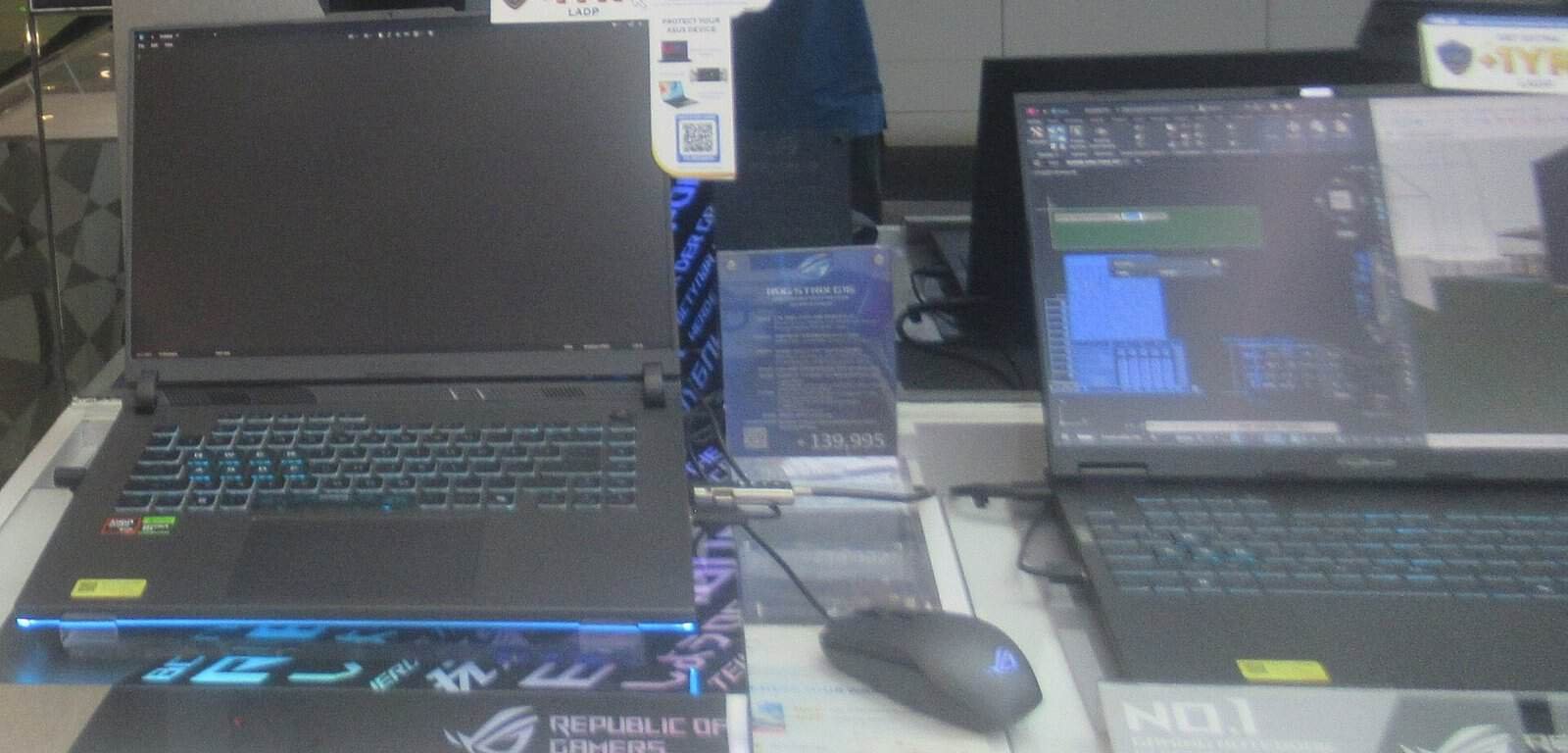
ASUS ROG Strix G16 on display (exact listed configuration may differ). Photo: P1898, CC BY 4.0, via Wikimedia Commons (resized)
ASUS ROG Strix G16 with GeForce RTX 5070 (Ryzen 9 9955HX, 32GB DDR5, 1TB, 16-inch 300Hz QHD+)
A high-refresh 16-inch RTX 5070 configuration with 32GB of RAM. This Amazon listing is from a third-party seller that opens the box to fit parts, so confirm the warranty and the 8GB VRAM before you buy. Check current price.
Check price on Amazon
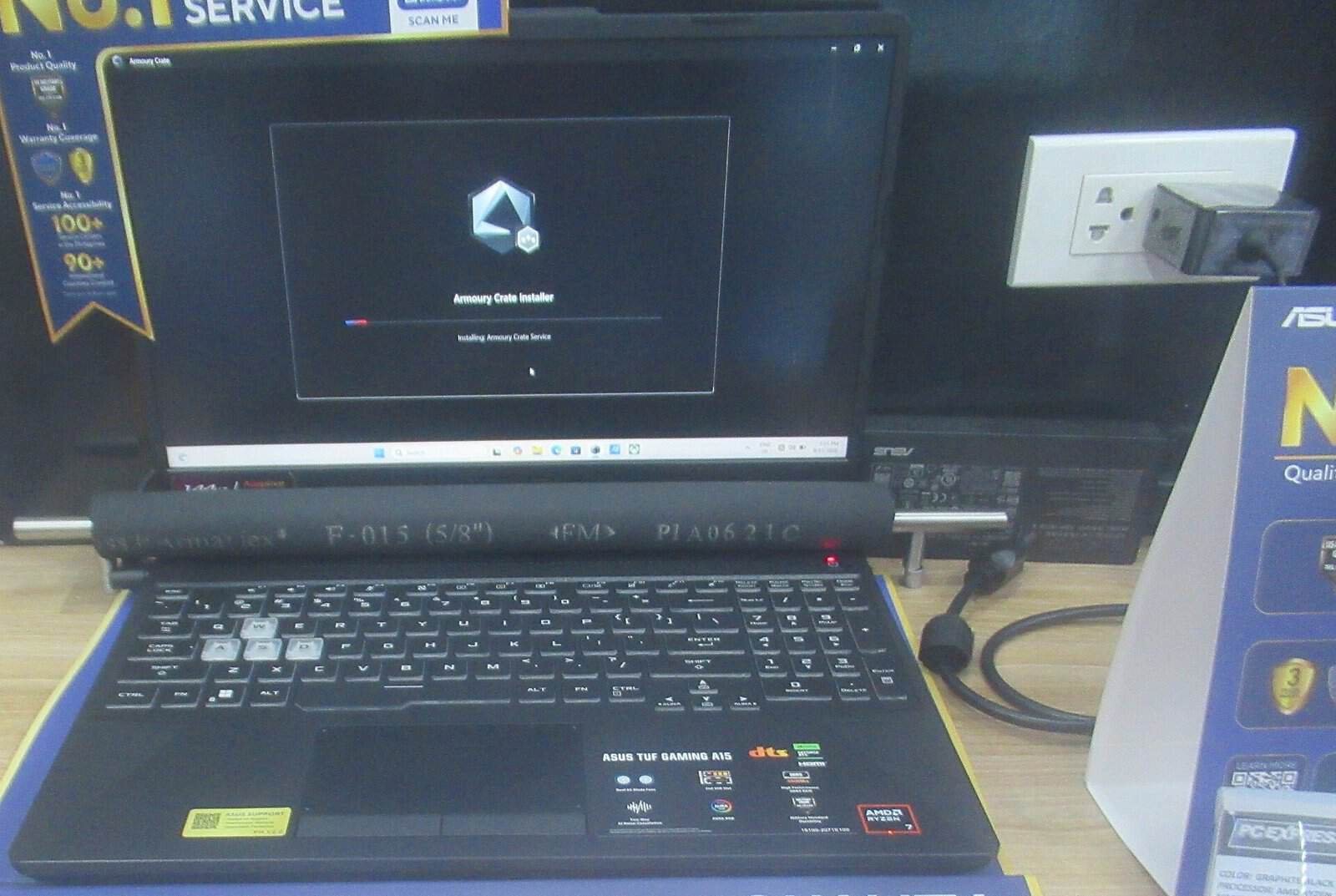
ASUS laptop (item type; ASUS TUF Gaming shown, not the V16). Photo: HuangWending18072009, CC0, via Wikimedia Commons (resized)
ASUS V16 gaming laptop with GeForce RTX 5070 (Core 7 240H, 16GB DDR5, 1TB, 144Hz)
A simpler, slimmer RTX 5070 option for 1080p-class play. Stock was low and sold by a third-party seller when we checked, so compare it with Best Buy's Nov 6 deals. Check current price.
Check price on Amazon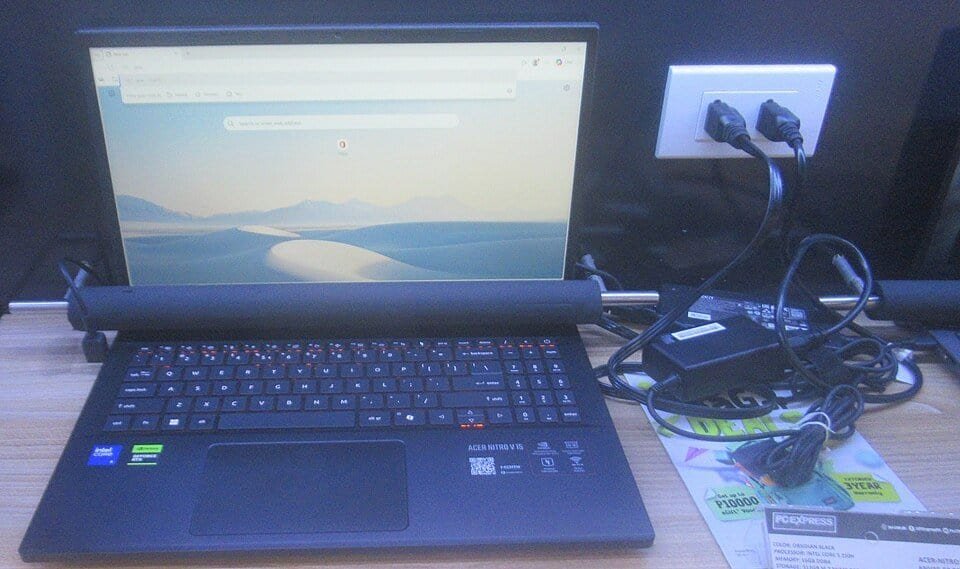
Acer gaming laptop (item type; Acer Nitro V 15 shown, not the Predator Helios Neo 16). Photo: P1898, CC BY 4.0, via Wikimedia Commons (resized)
Acer Predator Helios Neo 16 with GeForce RTX 5070
A popular 16-inch line with RTX 5070 versions in both 8GB and 12GB VRAM, depending on the configuration. Open the search and match the exact model number and VRAM. Check current price.
Search on Amazon
Gaming laptop (item type; HP Victus shown, not the Lenovo Legion). Photo: OhanaUnitedTalk page, CC BY-SA 4.0, via Wikimedia Commons (resized)
Lenovo Legion Pro 5i Gen 10 with GeForce RTX 5070 Ti 12GB (Core Ultra 9 275HX, 32GB, 2TB, 240Hz OLED)
The step up if you want 12GB of VRAM guaranteed for 1440p or local AI. Sold by a third-party seller on Amazon when we checked, so check the seller's warranty terms. Check current price.
Check price on AmazonFrequently asked questions
How much VRAM does the laptop RTX 5070 have?
Nvidia’s laptop pages list the RTX 5070 laptop GPU with both 12 GB and 8 GB of GDDR7. The listing must say which one the laptop has, so check the spec sheet.
How much power does a laptop RTX 5070 use?
Nvidia’s compare page lists a GPU subsystem power range of 50 to 100 W for the RTX 5070 laptop GPU. Where a laptop sits in that range depends on the maker’s cooling design.
Is an RTX 5070 laptop good for 1440p?
It can handle 1440p in many games with some settings tuning, but 8 GB of VRAM is the limit to watch. The 12 GB version or an RTX 5070 Ti gives more headroom.
When do Black Friday laptop deals start in 2026?
Black Friday is Nov 27 and Cyber Monday is Nov 30. Best Buy has published early deals from Nov 6 and 10 days of Black Friday doorbusters from Nov 19. Walmart has announced Early Black Friday Deals Nov 12-15, Black Friday Deals Nov 23-29 and Cyber Monday Nov 30-Dec 2 (Walmart (Oct 26)). We did not find a verified Amazon date.
Should I buy an RTX 5070 laptop now or wait?
If you need one now, buy from a seller with a good return window. If you can wait, compare the exact model against its own price history using CamelCamelCamel or Keepa.
Should I choose an RTX 5070 Ti or an RTX 5060 instead?
Step up to the RTX 5070 Ti if you want 12 GB of VRAM for 1440p or light AI work. Step down to the RTX 5060 only if the saving is large and you play at 1080p.
Are RTX 5070 laptops good for local AI?
They can run smaller models, but 8 GB of VRAM is limiting. See our personal AI stack guide for options with more memory.
Bottom line
An RTX 5070 laptop is a sensible mid-high pick for 1080p and 1440p play, but the name alone tells you little. VRAM (8 or 12 GB), the GPU’s power limit, RAM and cooling decide what you actually get. Compare each deal against the exact model’s price history and against RTX 5060 and 5070 Ti options, and check Best Buy’s Nov 6 and Nov 19 dates if you can wait.
Sources
- Nvidia: GeForce RTX 50 Series laptops (page accessed Nov 2, 2026)
- Nvidia: compare GeForce laptops (accessed Nov 2, 2026)
- Nvidia: Max-Q technologies (accessed Nov 2, 2026)
- PC Games Hardware: Geforce RTX 5070 mit 12 GiB (Apr 29, 2026)
- 9to5Toys: Best Buy announces 2026 Black Friday sale (updated Oct 30, 2026)
- Walmart: Walmart unwraps three major holiday shopping events (Oct 26, 2026)
Featured image: ASUS ROG Strix G16 gaming laptop. Photo: P1898, CC BY 4.0, via Wikimedia Commons (resized).


