







As an Amazon Associate, Early Bird Wins earns from qualifying purchases. We may also earn from other affiliate links on this page at no extra cost to you.
Last updated: Nov 24, 2026 (8am SGT / Nov 23, 7pm ET). We will update this article if Apple or researchers confirm anything new.
On Nov 20, 2026, security firm Confiant published research on MoldyRoost, a large malvertising operation. According to Confiant, tapping one of its ads on a vulnerable iPhone can load a cloned website whose hidden frame runs an iOS exploit kit built to steal crypto wallet seed phrases, saved passwords, messages and photos. CoinDesk covered the report on Nov 23. If you own an iPhone and hold any crypto, this is worth ten minutes tonight. This is a researched explainer, not our own lab work: every technical claim is attributed to Confiant, CoinDesk, Apple or the outlets named.
Disclaimer: This article is for educational and informational purposes only. It is not financial, investment, trading, or tax advice. Cryptocurrency and stock prices are volatile; do your own research and consult a qualified professional before making any investment decisions. The site may earn commissions from affiliate links.
Quick answer
- What is MoldyRoost? Confiant’s name for an ad operation tied to 480+ ad domains between May 12 and Nov 17, 2026, in more than 47 countries.
- Is my iPhone at risk? Mainly if it runs older software. The exploits Confiant documented target iOS 13 through iOS 18, and the researchers say they have seen “no iOS 26 exploit code.”
- What does it steal? Per Confiant: seed phrases, keychain data, messages, saved Wi-Fi passwords, photo metadata, location history and wallet data.
- What should I do right now? Update iOS, skip crypto-themed ads, and remove any seed phrase from Notes, photos or the cloud.
- Does a hardware wallet help? It can, since keys stay on the device. But the seed phrase backup is still the weak point.
How the one-tap ad attack works
- The ad. The operators buy programmatic ads at scale. Many are crypto-themed: CoinDesk reports campaigns about TRX energy rentals and crypto mining, and fake crypto-security pages.
- The cloned page. The landing page is a copy of a well-known brand site, a magazine page, a game or a fake security check.
- The invisible frame. Confiant says a frame “zero pixels wide and pushed off-screen” reads your iOS version and asks its server which exploit kit fits.
- The exploit. “The exploit runs while the landing page loads, with no decoy download or ClickFix-style command to paste,” Confiant writes.
Confiant’s illustration: someone on a Hong Kong forum taps an Agoda ad in Cantonese, and a clone of Agoda’s Hong Kong site loads. If they tap anything, an 18-second “loading” bar soaks up the clicks before forwarding them to the real Agoda, buying the hidden frame time.
Confiant says the operation cloaks by device: only an iOS device running Safari (or, for three of the six sub-clusters, an in-app browser) is offered an exploit chain. Everyone else gets a working decoy site, an empty frame or a harmless page. When a chain stalls inside an app such as Instagram, Facebook, Messenger or Line, one loader tries to reopen the page in Safari, and another sub-cluster shows a “Please open with Safari” card.
MoldyRoost did not write the kits. Confiant says they come from the Coruna and DarkSword families that Google Threat Intelligence Group and iVerify documented in March 2026, plus SilkPath and GhostWave. MoldyRoost adds the distribution: ad accounts, cloaked pages and a router that matches each visitor’s iOS version to a kit.
Which iPhones are at risk
| iOS version | What researchers found | What to do |
|---|---|---|
| iOS 13 to 17.2.1 | Coruna: 23 exploits in five chains covering iOS 13.0 to 17.2.1 (Confiant). | Update if your iPhone can run a newer iOS. |
| Older iOS 18 builds | DarkSword targets iOS 18.4 to 18.7 (Confiant); it chains six vulnerabilities, three of them zero-days. | Install the latest update for your model, or move to iOS 26 or 27 if it is supported. |
| Up-to-date iOS 18 | Confiant says the GhostWave branch is for phones already patched against DarkSword and is “the one looking for an up-to-date iOS 18 iPhone.” | Where a newer iOS is available for your model, moving up is the safer choice. |
| iOS 26 before 26.3 | Apple had fixed all six DarkSword bugs by iOS 26.3 (Confiant, CoinDesk). | Update to the latest iOS 26 release or to iOS 27. |
| iOS 26.3 and later | Confiant found iOS 26 branches in the code, but the files were missing: “We have seen no iOS 26 exploit code, and we cannot say whether any of these branches work.” | Keep updating and avoid risky ads. |
| iOS 27 | Not mentioned in Confiant’s research. The latest release is iOS 27.2.1 (Nov 9, 2026). | Stay current; we will update if researchers say more. |
In short, the documented exploits sit in older software; newer software is not proven immune, only not shown to be affected. To check your version, open Settings > General > Software Update. Our Nov 23 check of Apple’s security releases page shows iOS 27.2.1 and iOS 26.7.3 (both for iPhone 11 and later) and iOS 18.7.12 for iPhone XS, XS Max and XR, all released Nov 9, 2026.
What the attackers were after
A seed phrase (also called a recovery phrase) is a list of 12 or 24 words that can restore a wallet anywhere. CoinDesk notes it cannot be changed or reset, so whoever has the words has the funds, and stolen crypto is hard to recover.
Confiant says Coruna’s implant hooks wallet apps such as MetaMask, Phantom and Trust Wallet, and “hunts for seed phrases in Apple Memos and QR codes in saved images.” So a seed phrase typed into Notes or saved as a screenshot or QR photo is what it looks for. DarkSword’s data miner, per Confiant, takes iMessage, WhatsApp and Telegram data, the keychain (password manager), saved Wi-Fi passwords, photo metadata, location history and wallet data in one pass.
CoinDesk says the operators keep up with wallet app updates and appear to run this as an ongoing business.
The $600K Trezor and Exodus case: what we know
A separate story is circulating alongside this one. Here is what outlets reported from a Nov 23 Onchain Lens investigation; we have not verified the figures.
- A user reported losing more than $600,000 from a Trezor Safe 7 and an Exodus wallet used with the same iPhone 17 Pro Max (Crypto News, Nov 23). The itemized figures add up to about $613,000: roughly $580,000 in USDT on TRON, about $23,400 in USDC on Solana and about $9,500 from Exodus.
- The phone was reportedly running iOS 27.2.1, and the Trezor was connected over Bluetooth through Trezor Suite.
- The user said the seed phrase was on paper, never stored digitally, and that nobody else had physical access to the device.
- The transfers used the victim’s own signing authority rather than token approvals, and the Trezor TRON and Solana accounts shared one recovery phrase (Crypto News, Crypto Briefing).
Trezor has said it has not received reports of remote drains from its devices and that incidents like this usually stem from compromised wallet backups (Crypto Briefing, Nov 23).
Open questions remain. Onchain Lens considered explanations including exposure of recovery credentials and unauthorized signing, and the cause is unconfirmed. Apple’s iOS 27.2.1 notes list Bluetooth fixes, but Onchain Lens said it found no evidence connecting them to these transfers. There is no confirmed link between this case and MoldyRoost, and no confirmed link to any iOS bug.
Protect your crypto on iPhone tonight
- Update iOS. Go to Settings > General > Software Update and install the latest version your iPhone supports.
- Do not tap ads for crypto tools, airdrops or “security checks.” Type the address or use a bookmark.
- Avoid opening links inside in-app browsers (social apps, messengers). Confiant says some sub-clusters were built to run there.
- Delete any seed phrase from Notes, screenshots, photos and cloud storage. Confiant says Coruna searches Memos and saved images for exactly these.
- If you ever stored a seed phrase digitally, move your funds to a fresh wallet with a new seed. A seed cannot be reset, and deleting a note does not tell you whether a copy was already taken. A new wallet gets new words that never touched the phone. This is our general advice, not a research finding.
- Keep larger holdings in a hardware wallet and verify every transaction on its screen. Our hot wallet vs cold wallet guide explains the trade-off.
- Revoke stale token approvals. This is general hygiene: old approvals can let other addresses spend your tokens.
- Consider Lockdown Mode if you hold high-value assets. Apple calls it “an optional, extreme protection” designed for the very few people who might be personally targeted, and says “most people are never targeted by attacks of this nature.” Apple says it blocks certain complex web technologies, so some sites may load slowly or not work, and it limits message attachments and other features. Confiant does not say it stops MoldyRoost, so treat it as an extra layer. It is under Settings > Privacy & Security.
Does a hardware wallet help? Gear worth considering
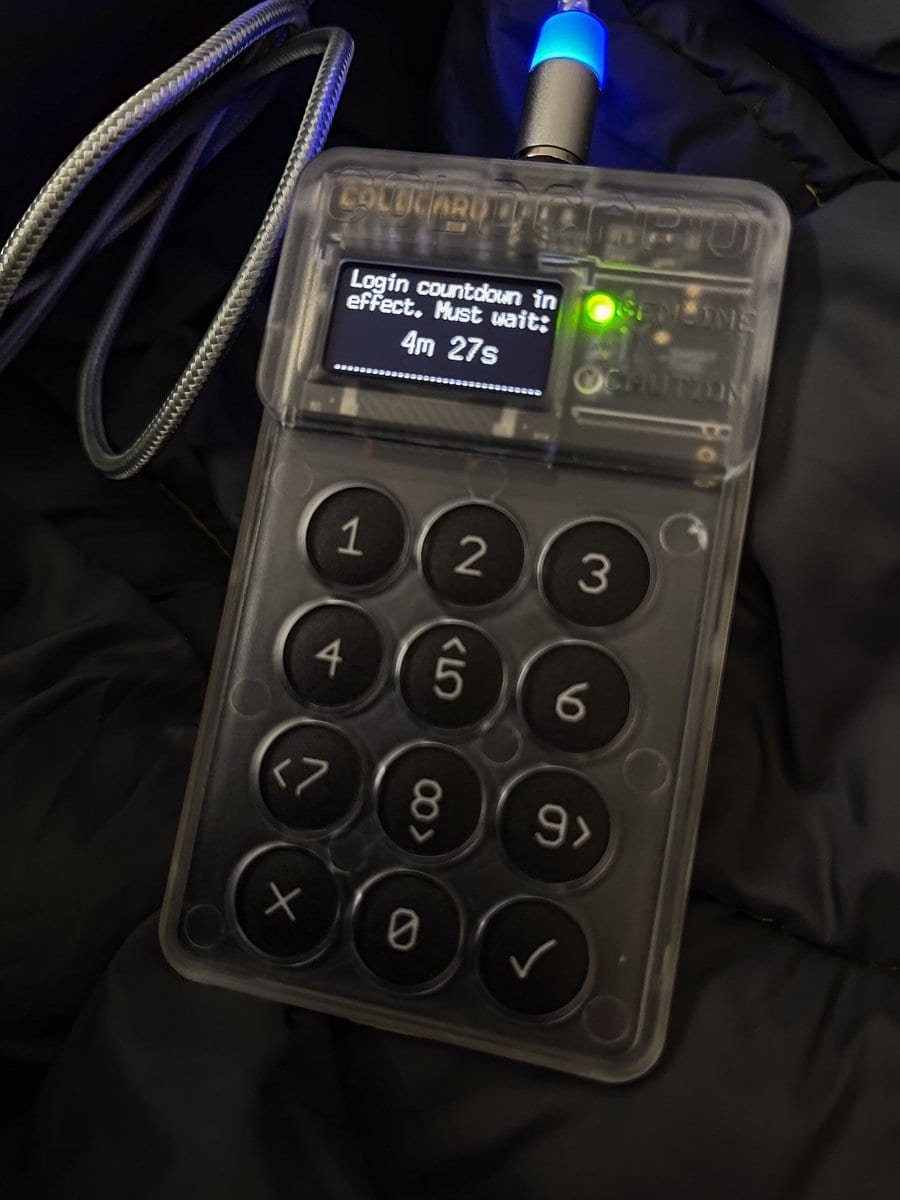
A hardware wallet keeps your private keys inside the device, and you confirm each transaction on its own screen. If the phone is compromised, an attacker generally cannot sign for you without that confirmation, which is a real advantage over a phone-only wallet. The Crypto Times noted that a phone compromise alone would not normally be expected to expose keys held inside a hardware wallet.
The weak point is the backup. Anyone who gets the seed phrase can rebuild the wallet elsewhere, with no device or screen involved. The Trezor case, still unexplained, shows a hardware wallet alone is not a guarantee. Crypto Briefing noted the wallets there shared one recovery phrase, so a secret exposed on the software side could bypass the hardware protection. Keep hardware and software wallets on separate seeds, and keep the seed offline.
For a comparison of the two best-known brands, see Ledger vs Trezor. If you are shopping Black Friday (Fri Nov 27), buy only from the maker or its official store and set the device up yourself. Our guide to buying a hardware wallet safely covers the checks, and our Black Friday and Cyber Monday tech deals page tracks sales. For brand-specific timing, see our hardware wallet Black Friday guide.
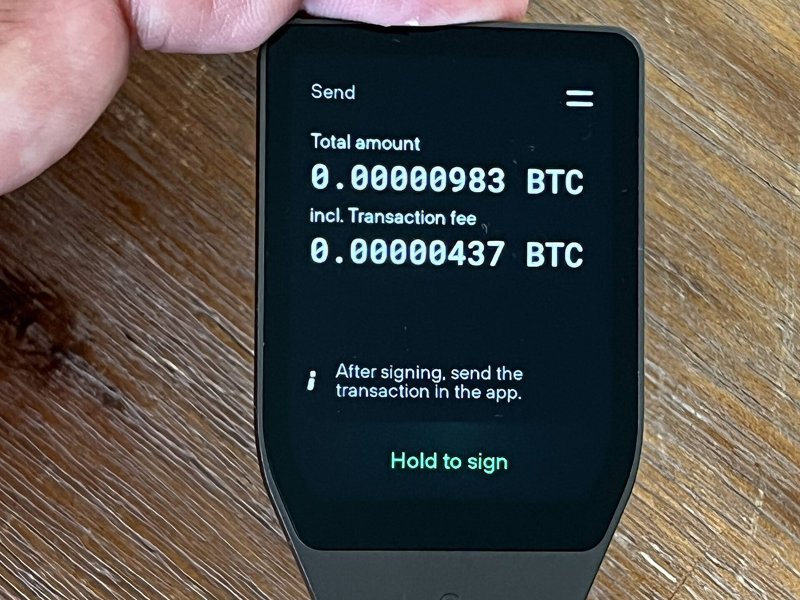
Trezor Safe 7 shown (representative of the Trezor range, not the Safe 3). Photo: FlippyFlink, CC0, via Wikimedia Commons (resized, cropped)
Trezor Safe 3
Entry hardware wallet with a secure element, sold by Trezor's official store on Amazon per our Nov 23 check. Check current price.
Check price on Amazon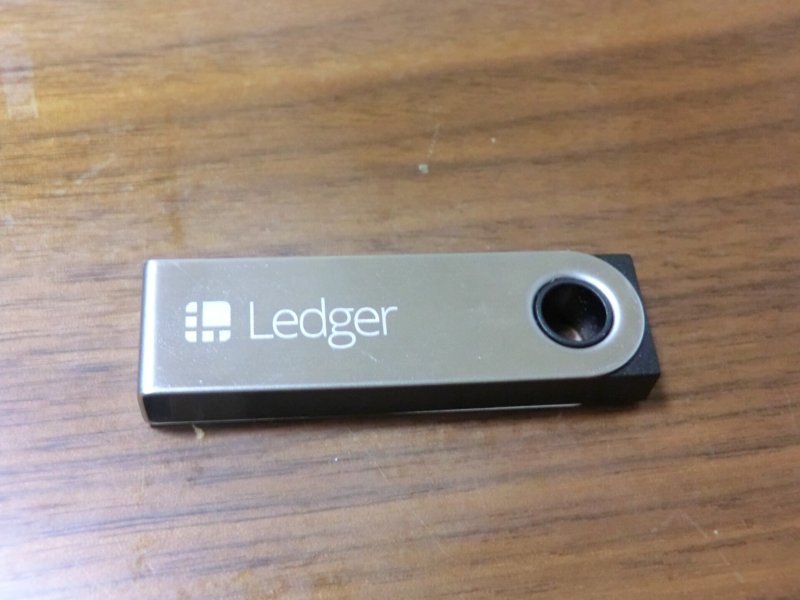
Ledger Nano S shown (representative, older model than the Nano S Plus). Photo: Motokoka, CC BY-SA 4.0, via Wikimedia Commons (resized, cropped)
Ledger Nano S Plus
Sold by Ledger's official store on Amazon per our Nov 23 check. Check current price.
Check price on Amazon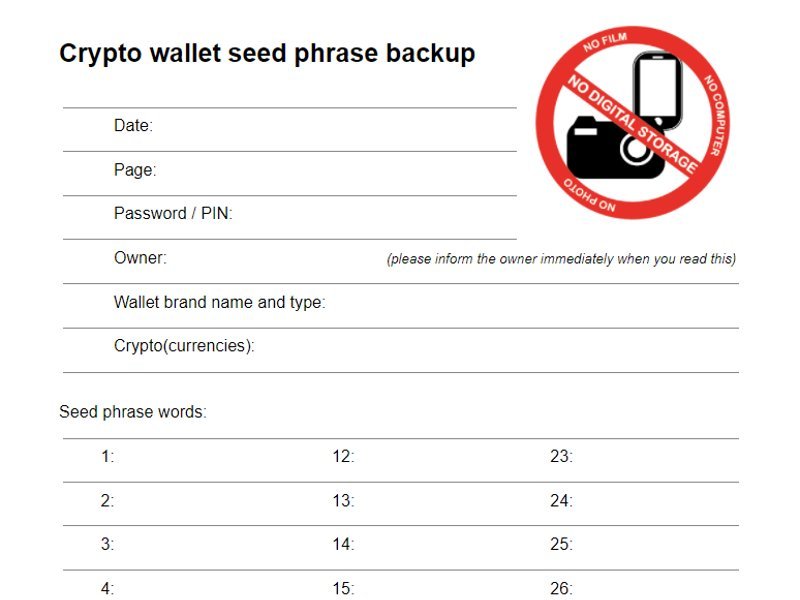
Paper seed phrase backup template shown (representative; steel plates store the same words on metal). Photo: FlippyFlink, CC0, via Wikimedia Commons (resized, cropped)
Steel seed phrase backup plate
Stores recovery words offline on metal instead of paper or a phone. Check current price.
Search on AmazonFrequently asked questions
What is the MoldyRoost iPhone attack?
MoldyRoost is Confiant’s name for a large malvertising operation. Between May 12 and Nov 17, 2026, Confiant tied 480+ ad domains to it across more than 47 countries. Tapping one of its ads on a vulnerable iPhone loads a cloned site whose hidden frame runs an iOS exploit kit (Coruna, SilkPath, DarkSword or GhostWave) built to steal wallet seed phrases, keychain data, messages and photos.
Can tapping an ad really hack my iPhone?
According to Confiant, yes, on a vulnerable iOS version. The exploit runs while the landing page loads, with no download or command to paste. The kits Confiant documented cover iOS 13.0 to 18.7, and Apple had fixed all six DarkSword bugs by iOS 26.3. Keeping iOS updated is the main defense.
Is iOS 27 safe from MoldyRoost?
Confiant’s research does not mention iOS 27. For iOS 26, researchers found code branches but said, “We have seen no iOS 26 exploit code, and we cannot say whether any of these branches work.” That is not proof of safety, so keep your iPhone updated. The latest release is iOS 27.2.1 (Nov 9, 2026), and we will update this answer if researchers or Apple say more.
Should I move my crypto if my seed phrase was in Notes?
Confiant says Coruna hunts for seed phrases in Apple Memos (Notes) and in QR codes in saved images. A seed phrase cannot be reset, and deleting a note does not show whether a copy was taken. If you ever stored yours digitally, our general advice is to create a fresh wallet with a new seed kept offline, move your funds there, and delete the old digital copies.
Was the $600K Trezor theft caused by this attack?
No link has been established. Onchain Lens reported a loss of more than $600,000 from a Trezor Safe 7 and an Exodus wallet used with one iPhone 17 Pro Max, but the cause is unconfirmed, Onchain Lens found no evidence tying it to iOS bugs, and the victim said the seed phrase was only on paper. These figures are reported and not verified by us.
Does Lockdown Mode stop these attacks?
Confiant does not say Lockdown Mode blocks MoldyRoost. Apple describes it as an optional, extreme protection for the very few people who might be personally targeted, adding that most people are never targeted by such attacks. It blocks certain complex web technologies and limits some features, so it is an option for higher-risk holders, not a guaranteed fix.
Bottom line
MoldyRoost is a documented, large-scale ad operation, but the exploits Confiant documented target older iOS versions, and researchers say they have seen no iOS 26 exploit code. Update your iPhone, skip crypto-themed ads, get any seed phrase out of Notes and photos, and treat a hardware wallet as protection for your keys, not for a careless backup. The Trezor and Exodus loss is unexplained and has no confirmed link to this campaign.
Sources
- Confiant Threat Intelligence, “MoldyRoost: A Malvertising Machine Built to Deliver iOS Exploits,” Nov 20, 2026
- CoinDesk, “Crypto thieves are using online ads to infect iPhones with a single tap, research finds,” Nov 23, 2026
- Crypto News, “Trezor and Exodus wallets lose $600K in reported theft,” Nov 23, 2026
- Crypto Briefing, “Over $600K in crypto stolen from Trezor and Exodus wallets on a single iPhone 17 Pro Max,” Nov 23, 2026
- The Crypto Times, “Trezor and Exodus Wallets Lose $610K in Reported Single-iPhone Theft,” Nov 24, 2026
- Apple, security releases page, checked Nov 23, 2026 (ET)
- Apple Support, “About Lockdown Mode,” checked Nov 23, 2026 (ET)
- Apple, “About the security content of iOS 27.2.1 and iPadOS 27.2.1,” Nov 9, 2026, checked Nov 23, 2026 (ET)
- Apple, “About the security content of iOS 26.3 and iPadOS 26.3,” Feb 11, 2026, checked Nov 23, 2026 (ET)
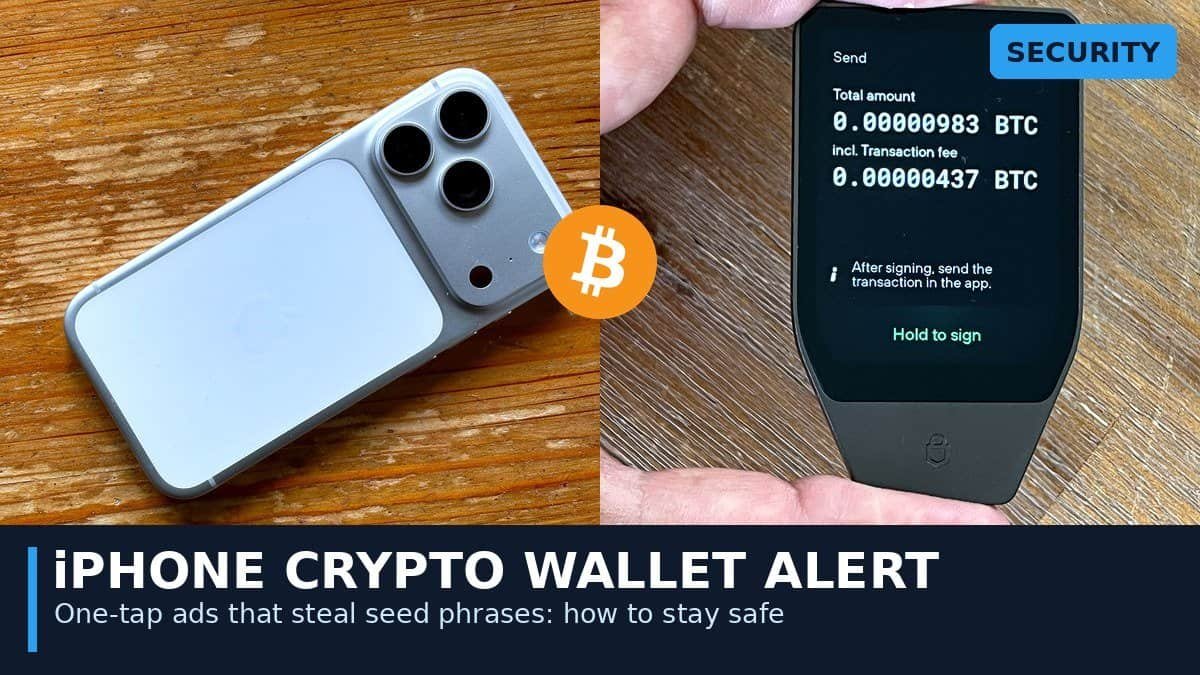
Featured image: composite (cropped, brightened, combined with text) of an iPhone 17 Pro photo by Olgierd Rudak, CC0, via Wikimedia Commons, a Trezor Safe 7 photo by FlippyFlink, CC0, via Wikimedia Commons and the Bitcoin logo (public domain, Wikimedia Commons). Apple, iPhone and Safari are trademarks of Apple Inc. Trezor, Ledger, MetaMask, Phantom, Trust Wallet, Exodus, Coldcard, Agoda and other names are trademarks of their respective owners; their use here is for identification only and does not imply endorsement.